Create and combine
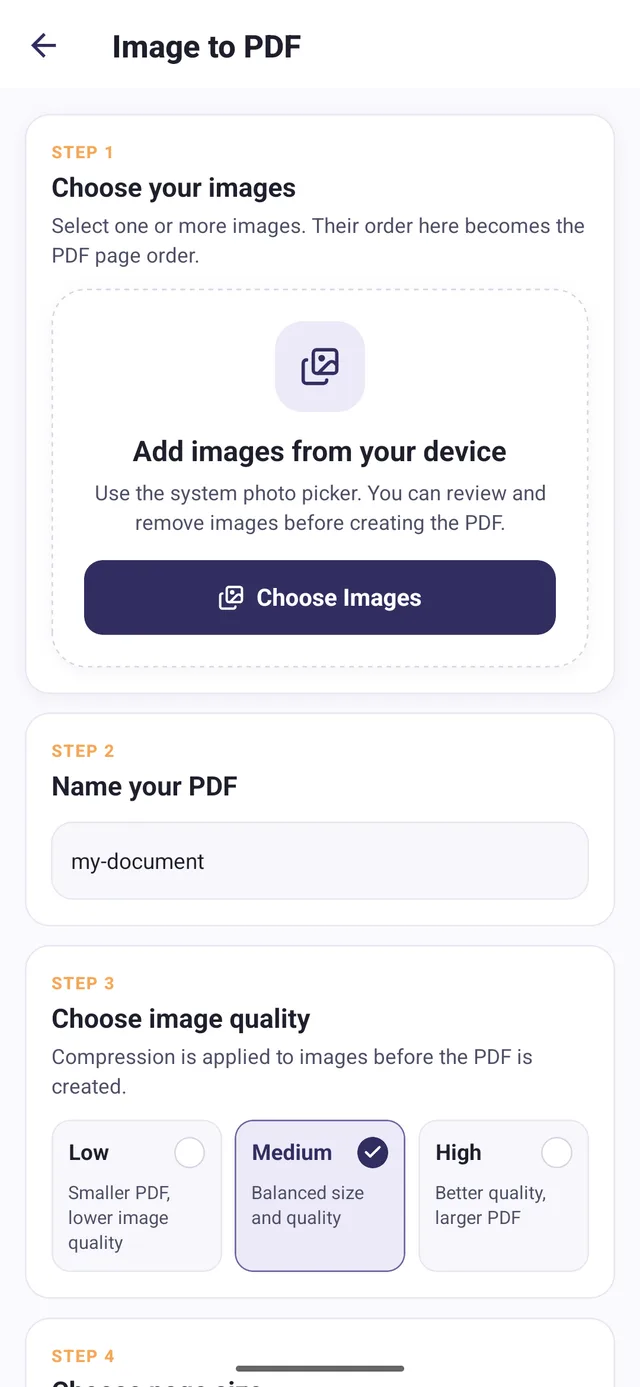
Convert images to PDF, merge documents, and import existing files.
Create, merge, split, compress, and password-protect PDFs on Android.
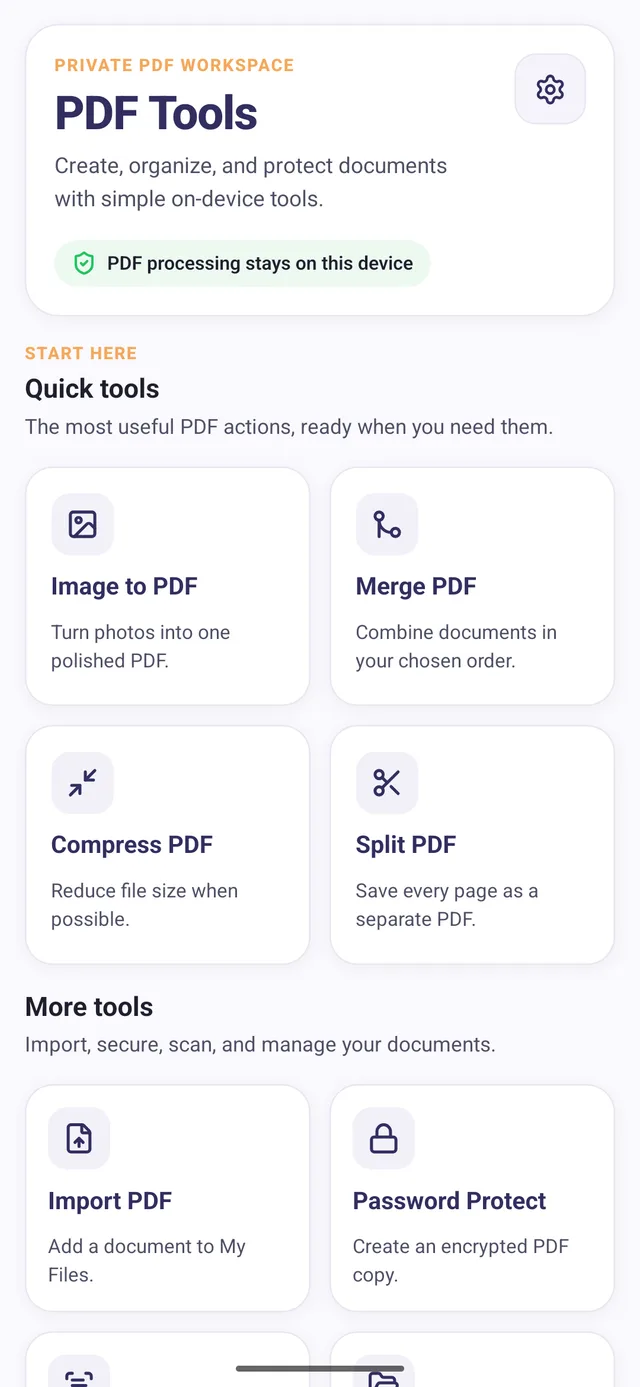
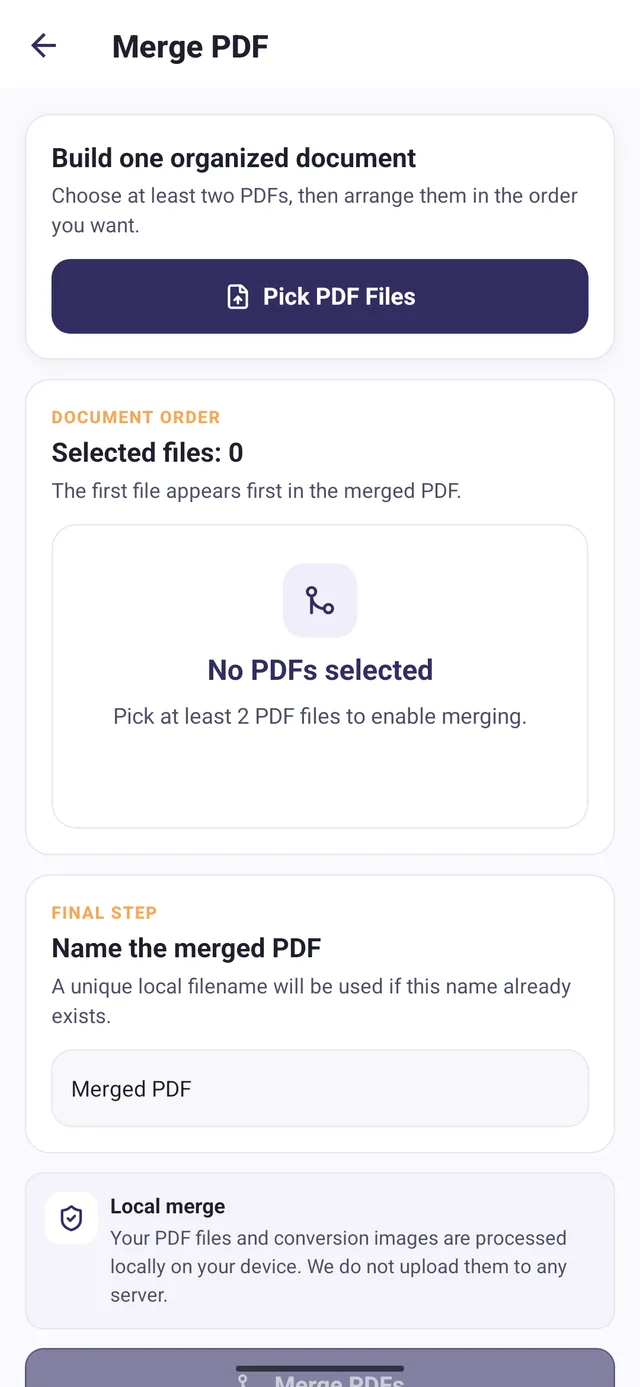
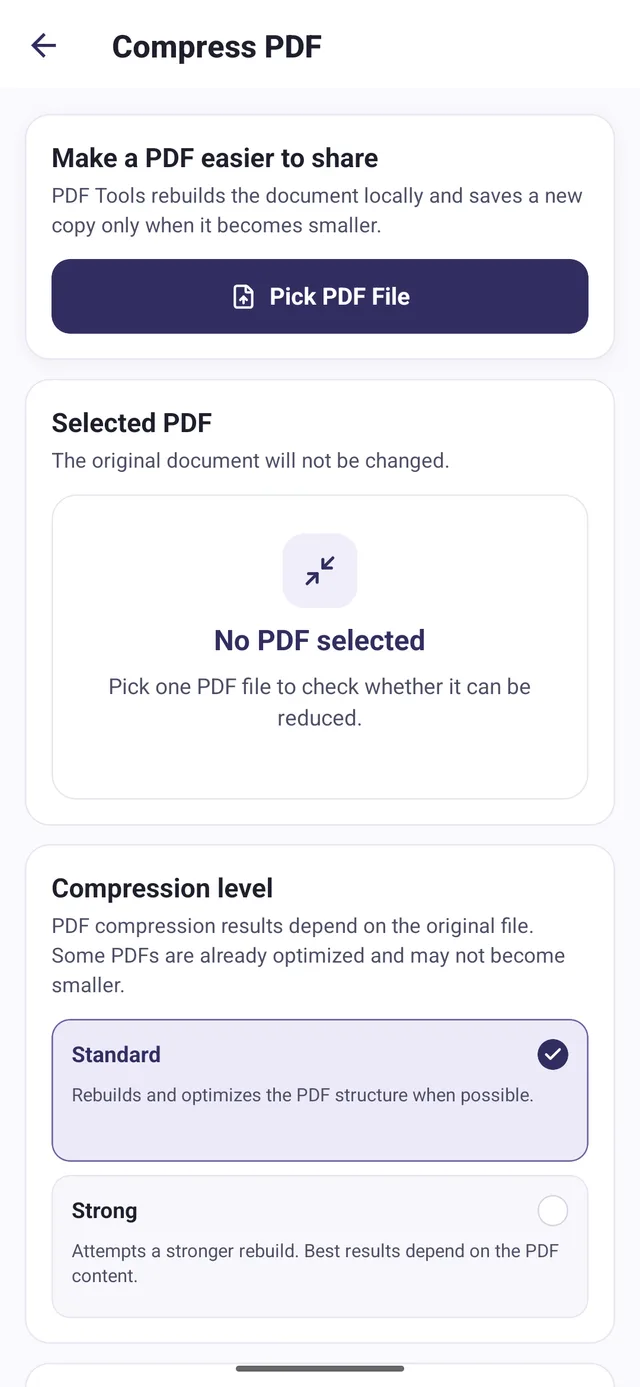
A document task often involves several steps: select files, arrange pages, process the document, find the output and share it. Switching between unrelated tools adds friction on a phone. Users also need to understand when compression may not reduce a file and when OCR produces editable text rather than a searchable PDF.
Bring image conversion, merging, compression, page splitting, password protection and OCR into a common on-device workspace. Generated and imported files share a library with preview and sharing actions. Protection creates an encrypted copy and verifies storage before reporting success; the original remains separate. OCR extracts printed text for correction, copying or sharing, with results dependent on the input.
People organizing documents on an Android phone, such as combining forms, turning photos into a PDF or extracting text from a printed page.
Convert images to PDF, merge documents, and import existing files.
Compression, splitting, password protection, and text extraction support common document tasks.
Keep documents in a file library, preview them, and share through Android.
Selected application screens, with example data where shown.
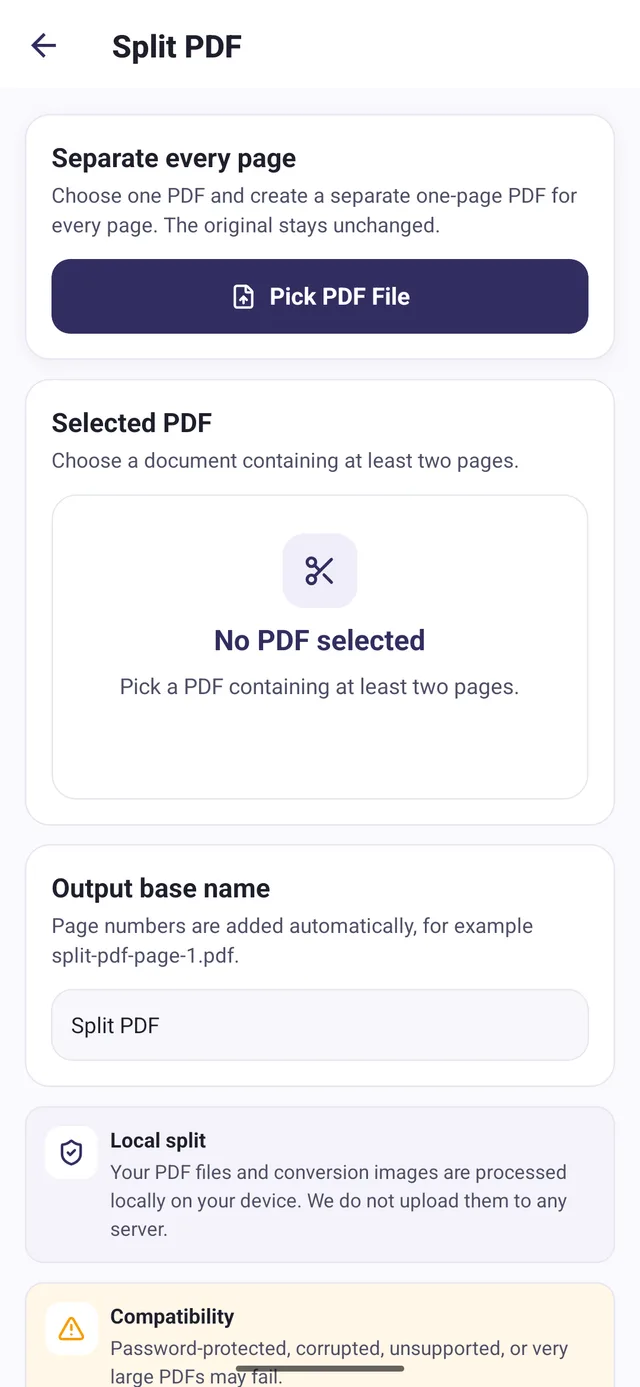
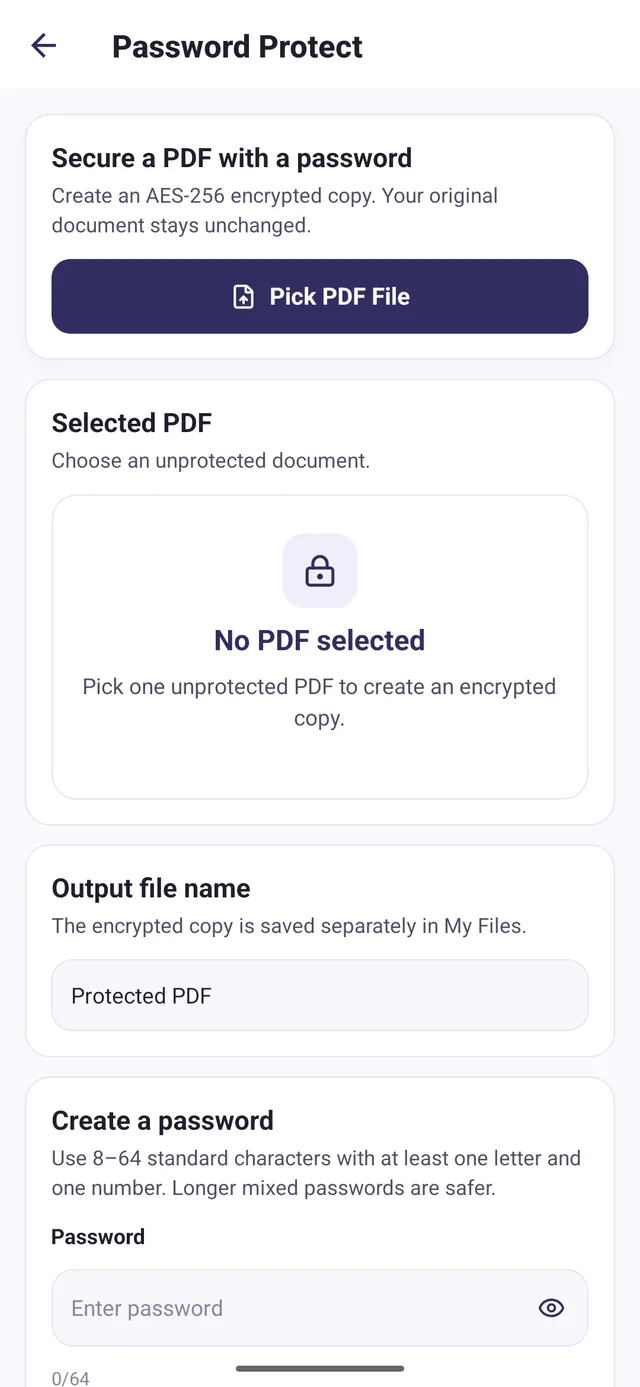
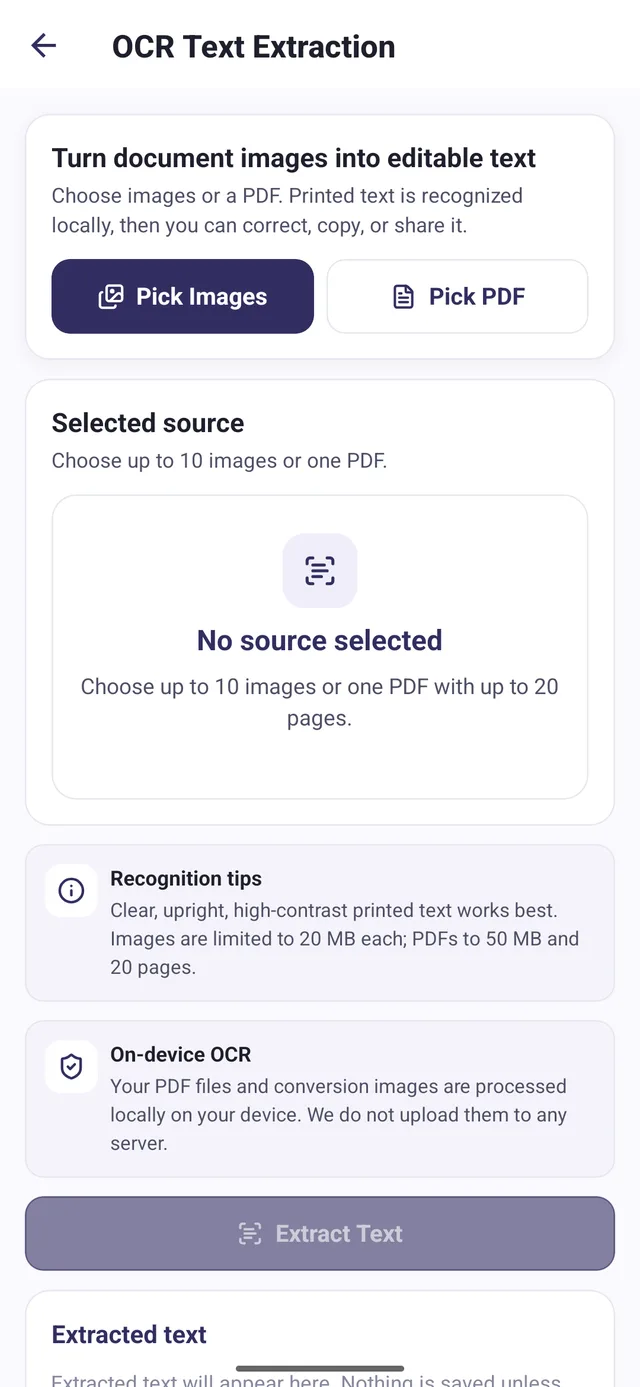
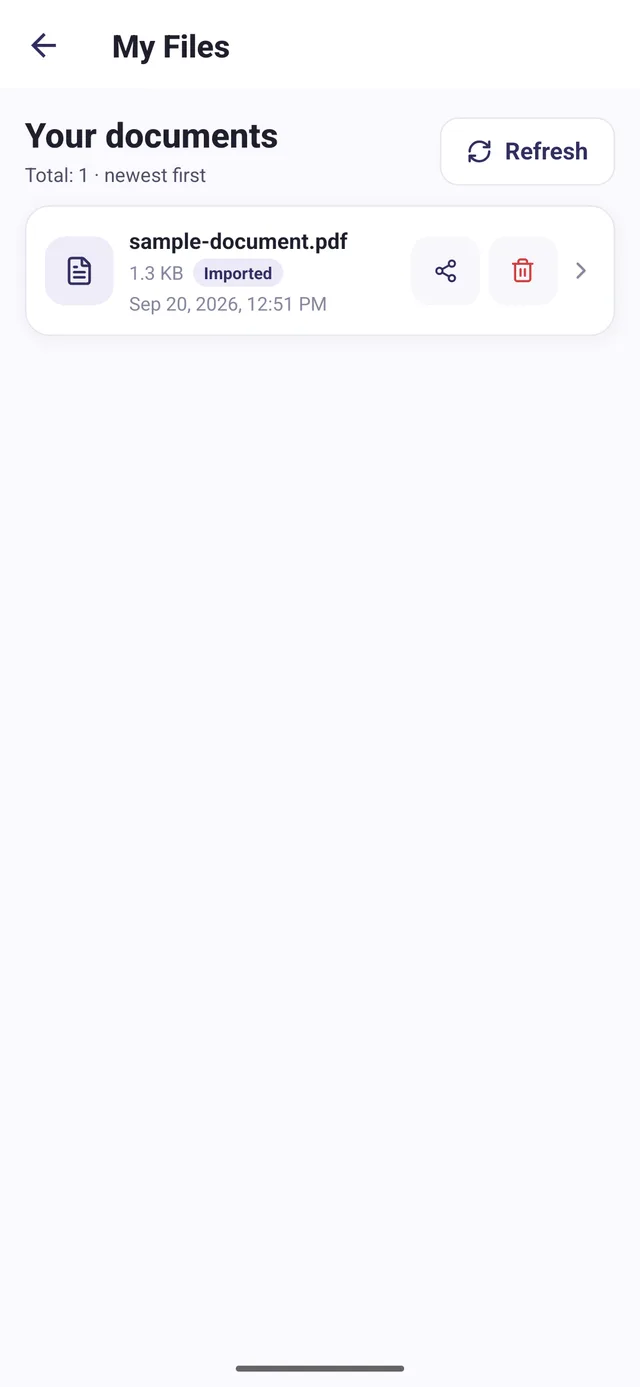
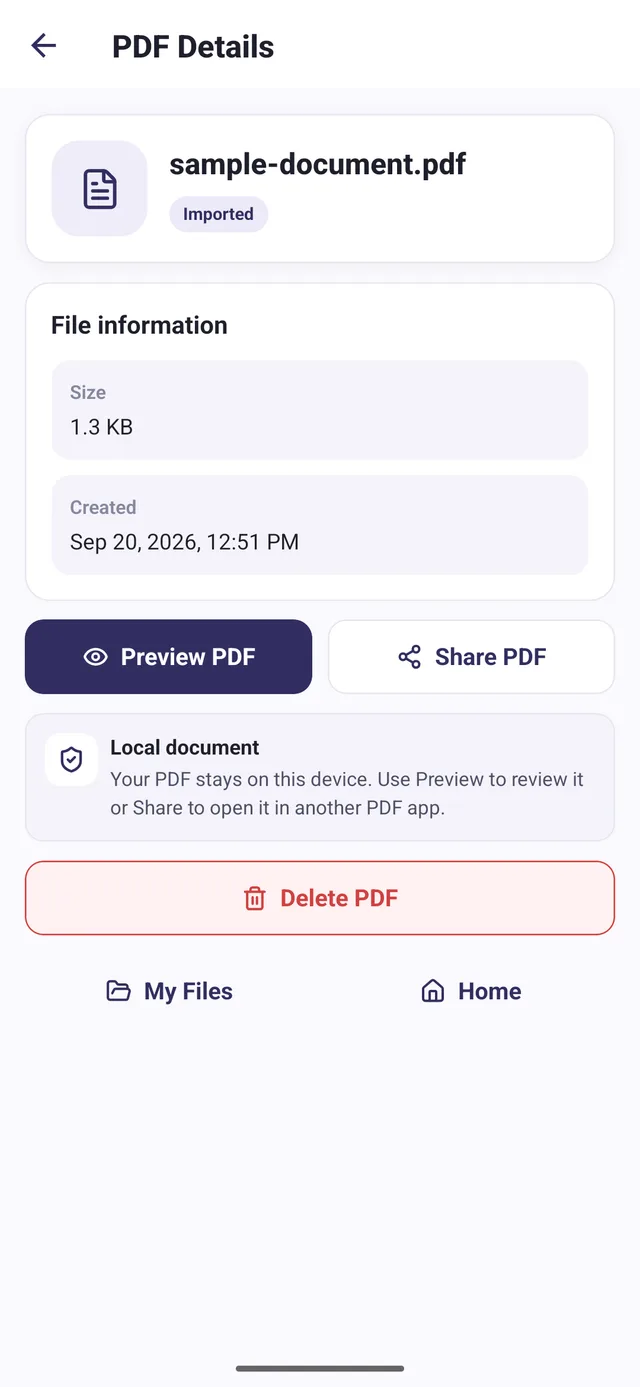
The password-protection service reads the source bytes, rejects an already protected input, and creates an encrypted copy. It checks that the PDF parser reports the generated bytes as encrypted before choosing a new output path. The original document remains separate from the protected copy.
Producing encrypted bytes is only part of the task. The service awaits the file write, then reads the saved file metadata and checks for a non-empty output before returning success. If processing or storage fails after an output path is created, cleanup attempts to remove the partial file.
Two storage regression checks passed on October 17, 2026. One holds the asynchronous write open and verifies that metadata and success wait for completion. The other rejects the write and verifies cleanup and failure. These checks cover storage ordering and failure handling in the reviewed implementation; they do not establish the behavior of every store version.
Creation, import, merge, processing, library organization, and sharing use a consistent mobile file workflow.
The protection service checks that the output is encrypted before writing the protected document.
Success is returned after the asynchronous write and file check; rejected writes trigger cleanup of the partial output.
Brought common document tasks into a shared mobile workspace, from importing and processing files to preview and sharing. The password-protection implementation verifies encrypted output and waits for storage to complete before reporting success, with cleanup if the write fails.
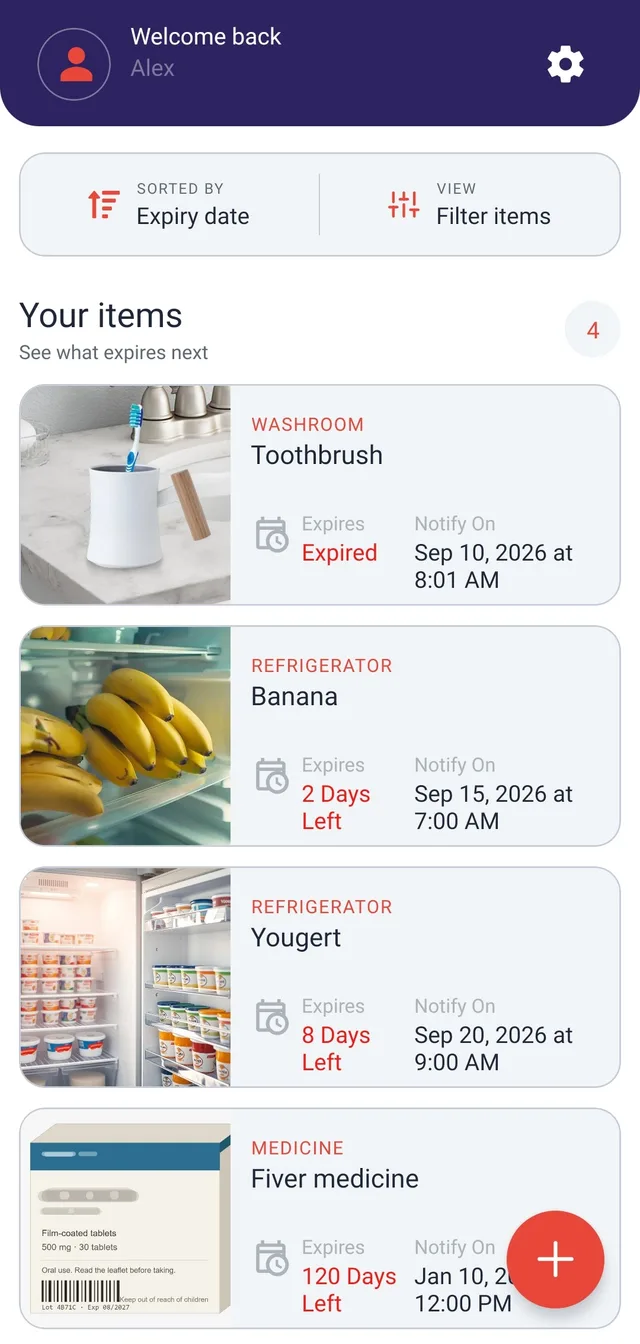
Organize items by expiry date, schedule reminders, and export reports for groceries, medicines, and other products.
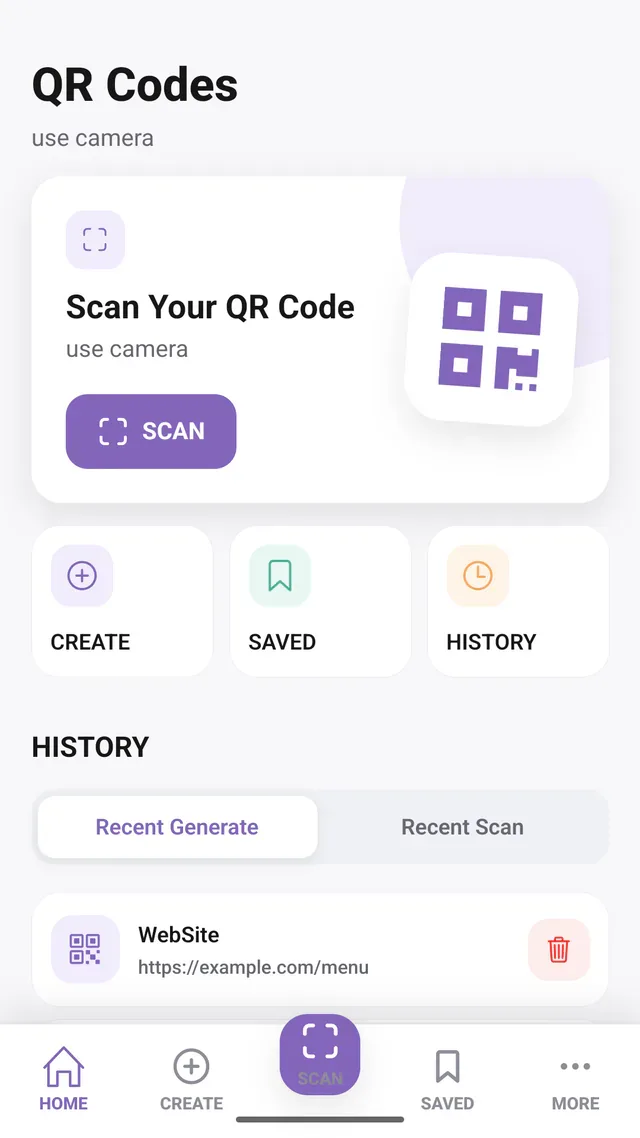
Scan QR codes, create custom designs, and save the results in one Android app.
I’m open to full-time roles, remote or onsite.