Categorized records
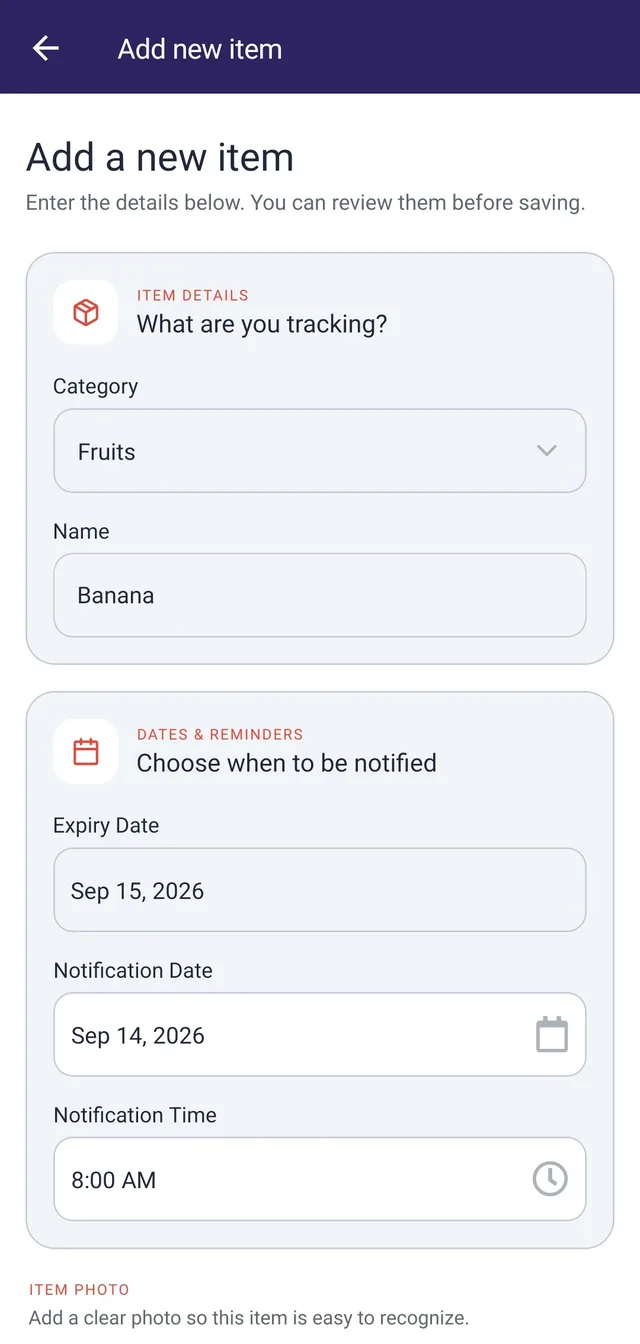
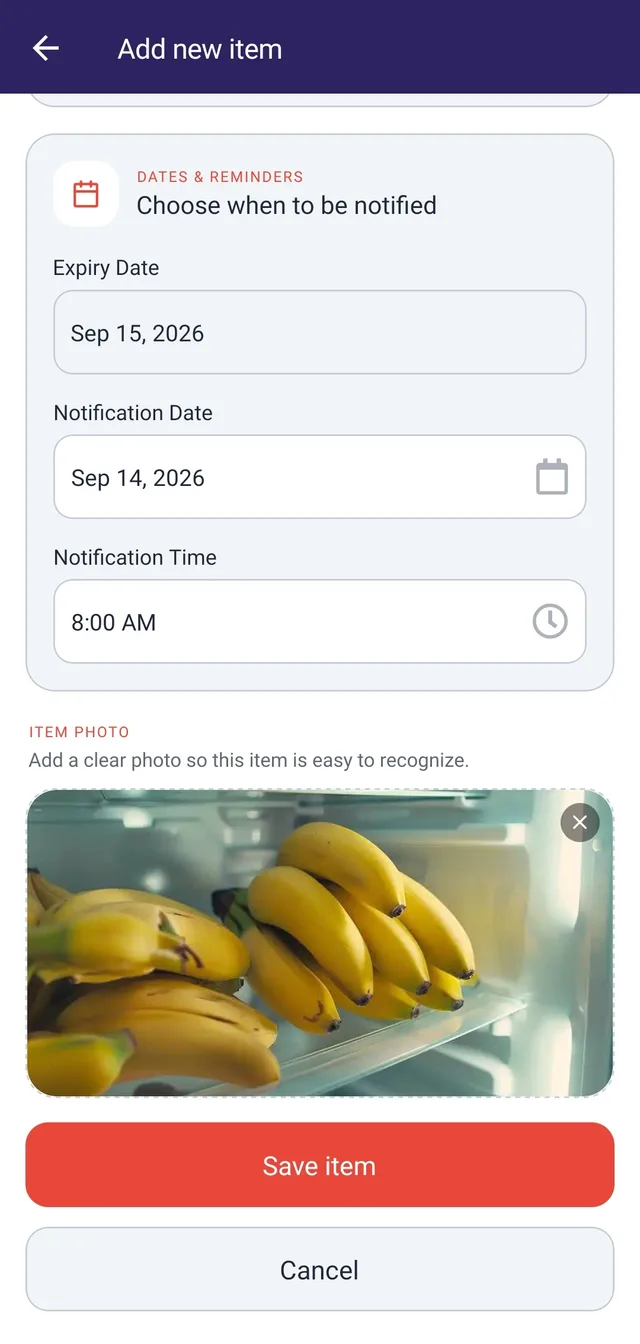
Record an item with its category, photo, expiry date, and reminder date.
Organize items by expiry date, schedule reminders, and export reports for groceries, medicines, and other products.
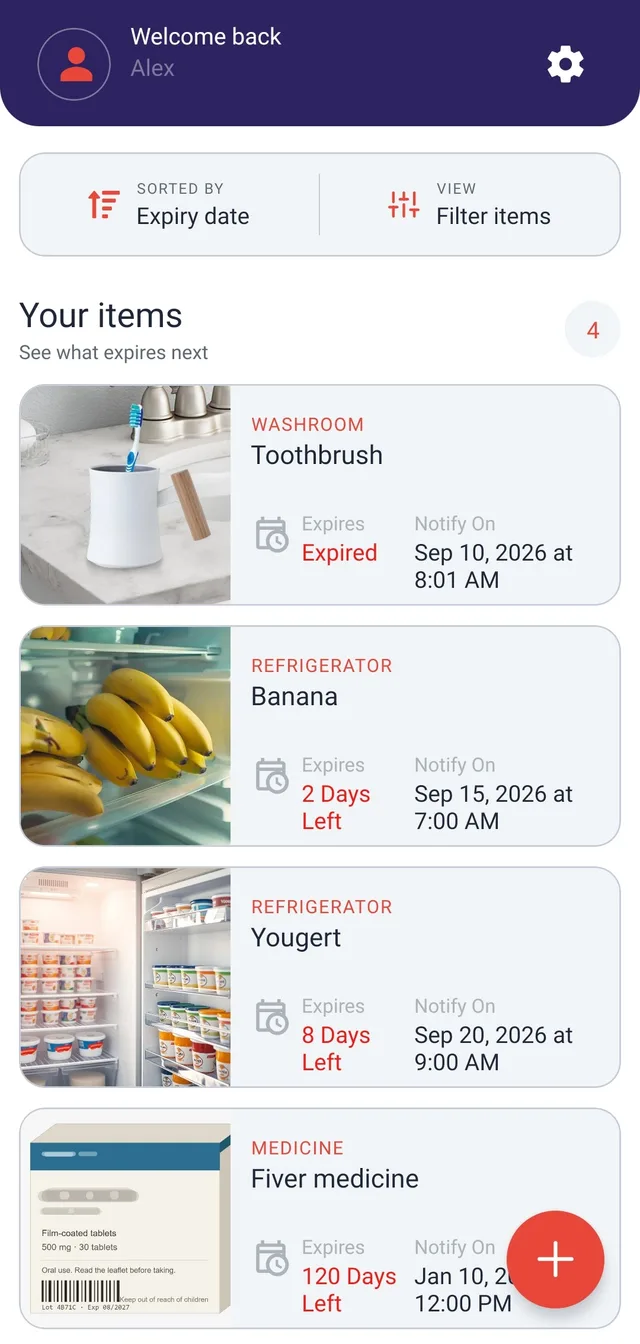
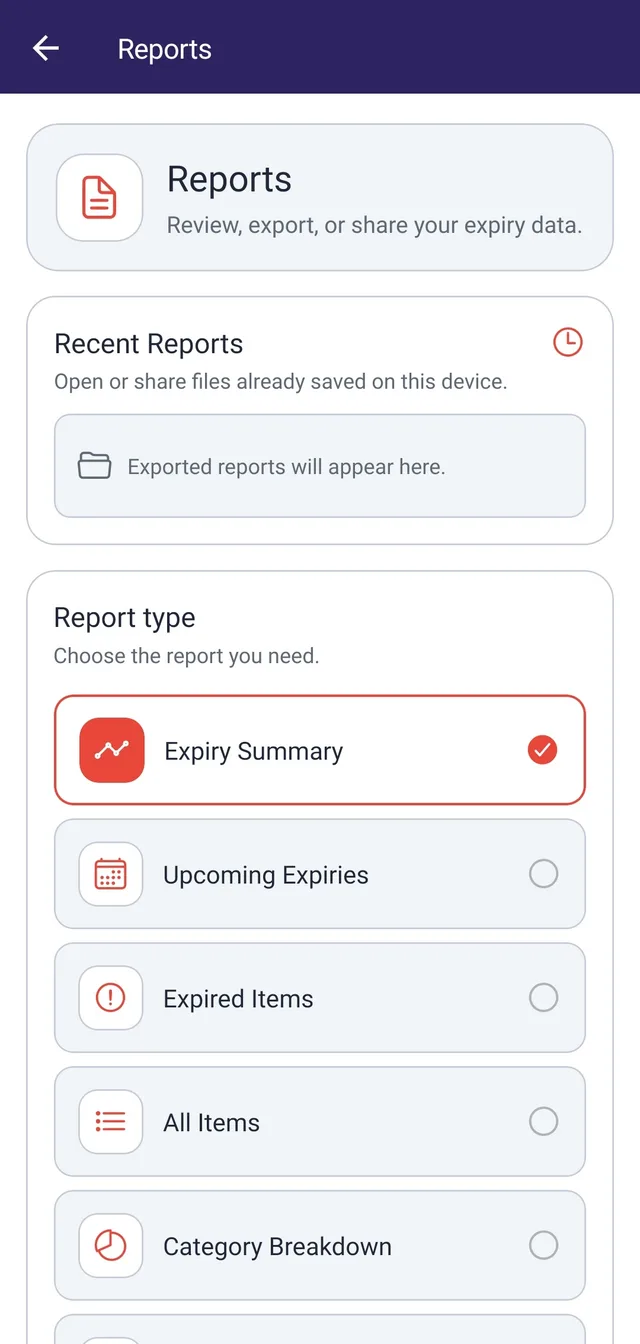
An item can sit out of sight until its expiry date has passed. A photo alone does not tell you when to act, and an expiry date is not always the best reminder date. An inventory needs recognizable records, an upcoming-expiry view and a useful way to inspect or export what has been entered.
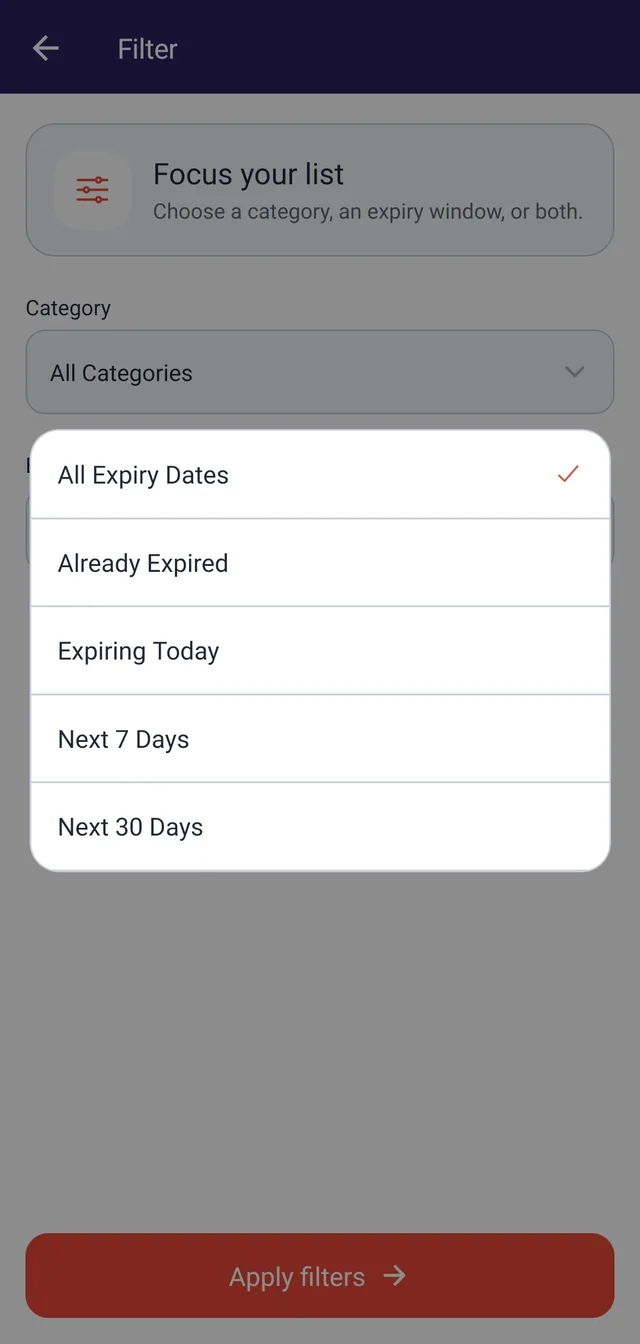
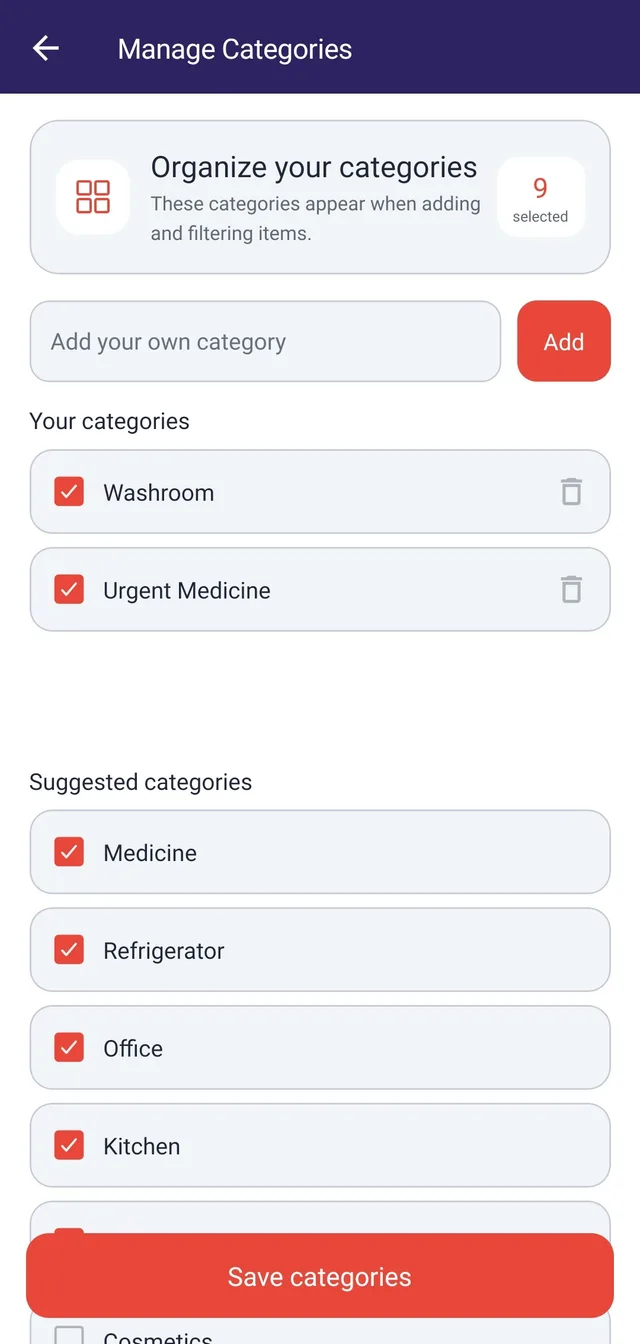
Record each item with a category, photo, expiry date and a separate notification date/time. Category and expiry-window filters highlight the relevant records, while summary, upcoming-expiry and category reports reuse the same inventory. Firebase supports registered and guest accounts; reminder notifications are scheduled locally, and PDF, Excel and CSV exports are generated on the device.
People keeping track of groceries, medicines, household supplies or other items with individual expiry dates.
Record an item with its category, photo, expiry date, and reminder date.
Filter the inventory by category and expiry windows.
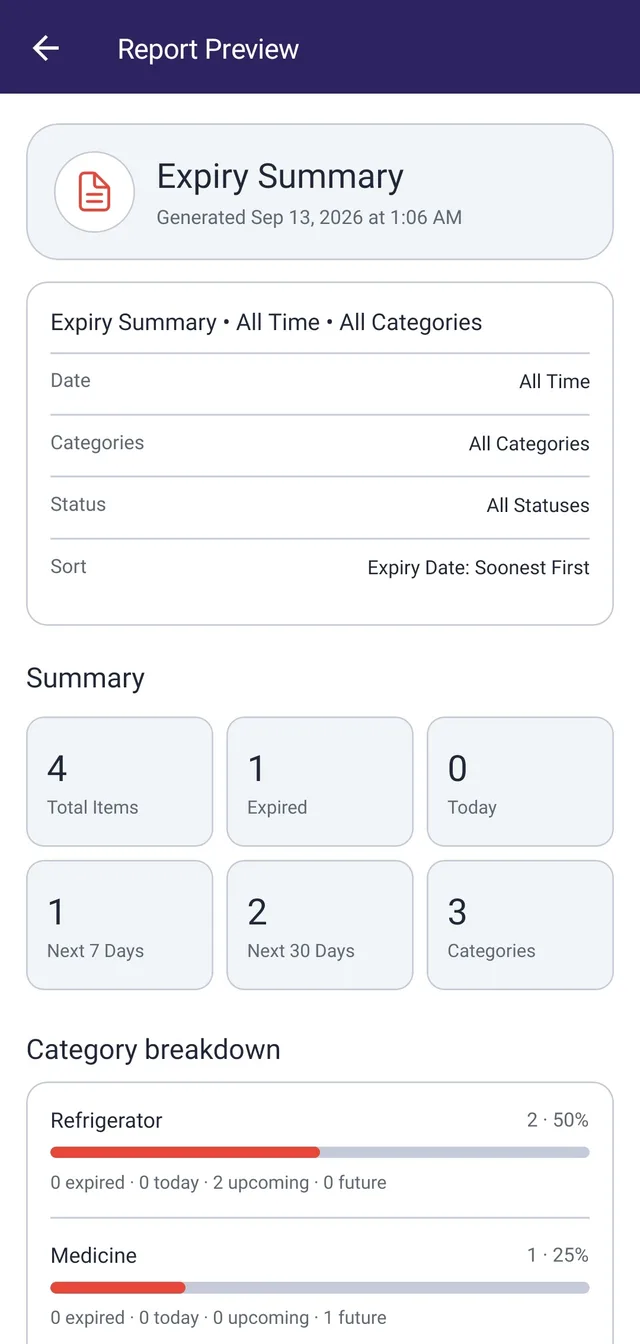
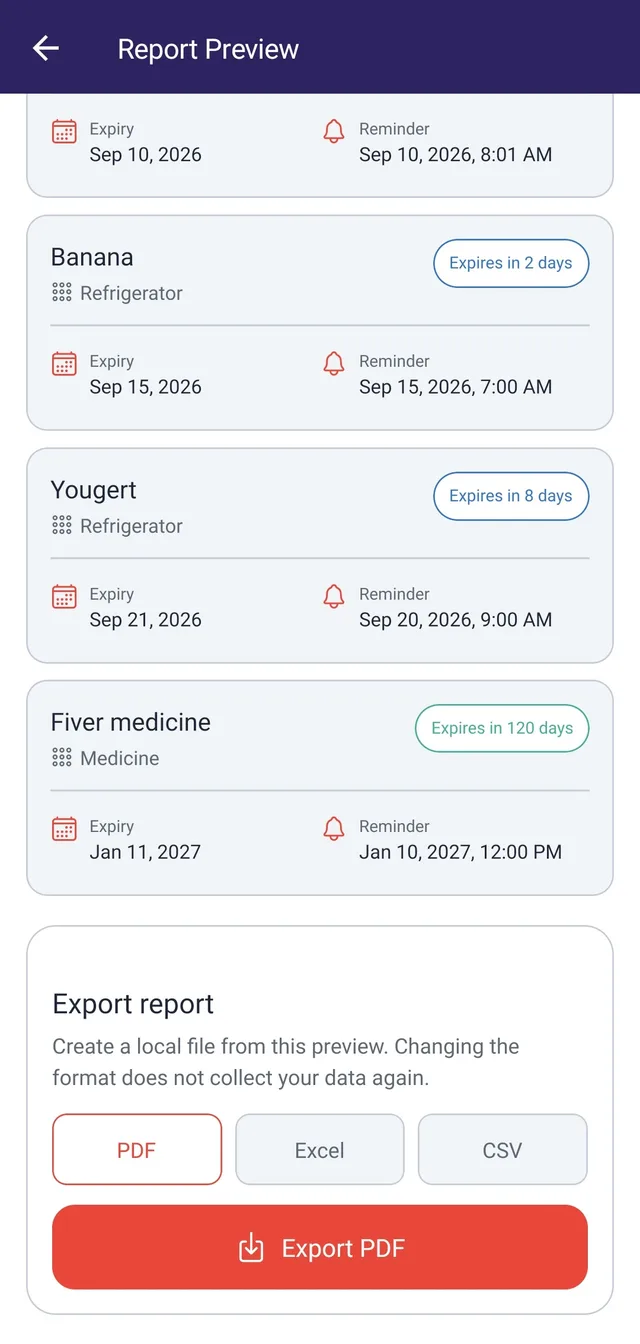
Preview summary and category reports, then export recorded data to PDF, XLSX, or CSV.
Selected application screens, with example data where shown.
The app supports email/password and guest sign-in, with an account upgrade path.
Device notification scheduling connects the record to its reminder date and time.
Report filters and local exports extend the same item data into useful document formats.
An expiry-tracking product and companion website connecting categorized records, date-based browsing, reminder scheduling, and reporting workflows.
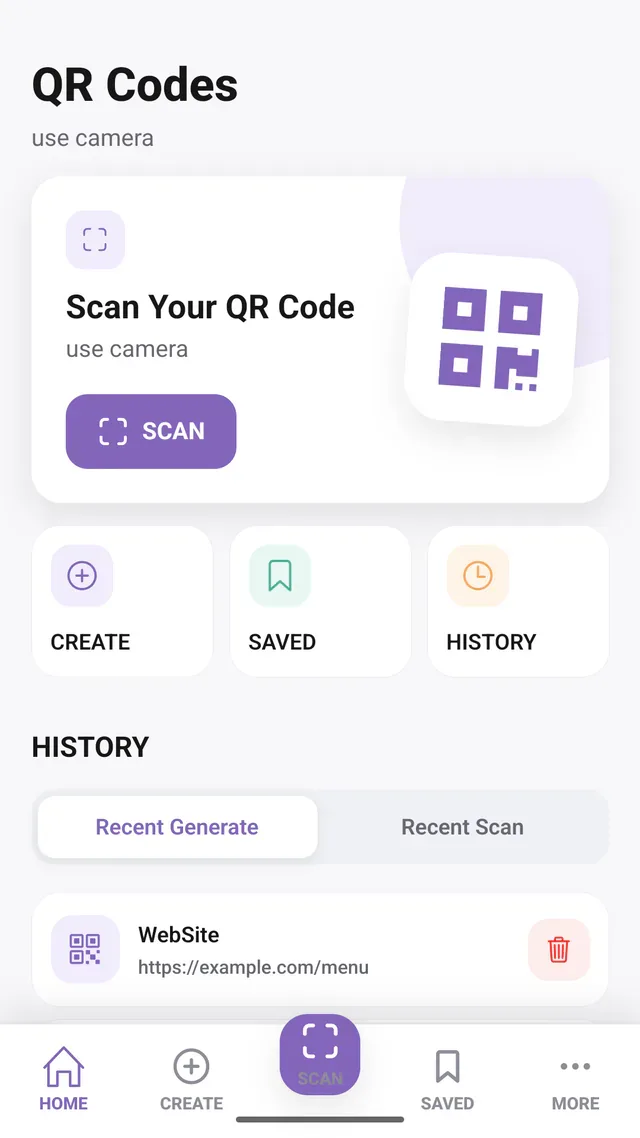
Scan QR codes, create custom designs, and save the results in one Android app.
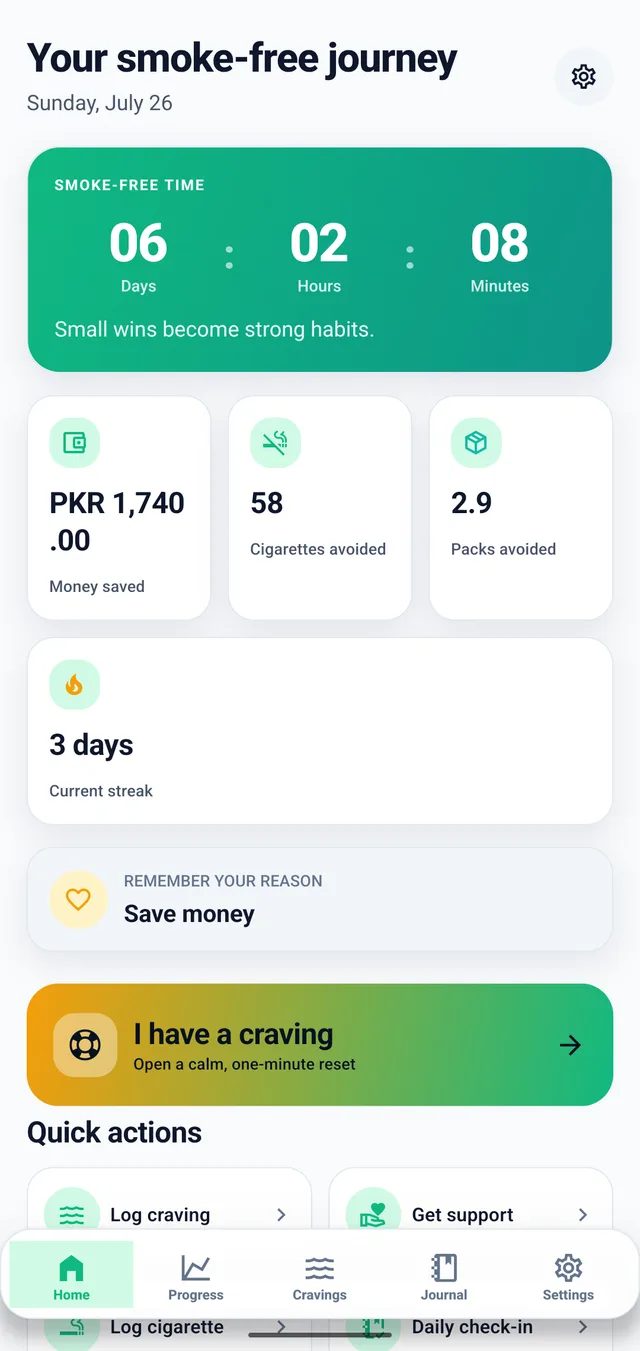
Track smoke-free time, cravings, estimated savings, and progress on Android.
I’m open to full-time roles, remote or onsite.