Scan and review
Scan with the camera or a selected image, then review the detected content.
Scan QR codes, create custom designs, and save the results in one Android app.
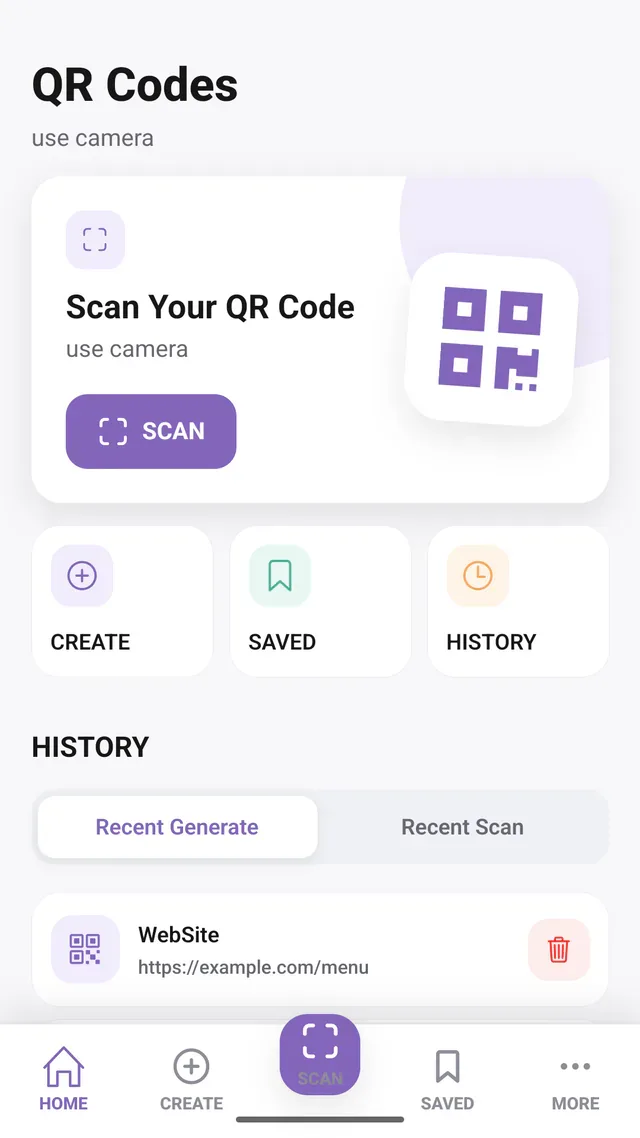
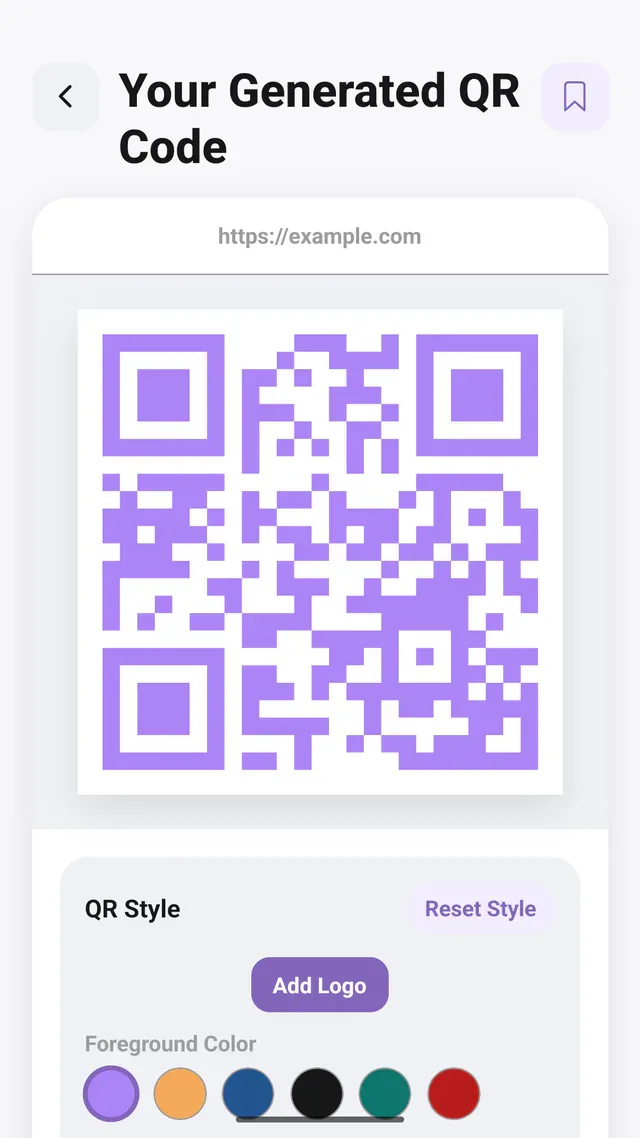
Scanning a code should not force someone straight into an unfamiliar destination. Creation also needs more than a plain square: the user may want a recognizable design and a way to reuse it later. A useful QR utility must connect decoding, review, generation and organization.
Offer camera and image scanning with a result screen that exposes the decoded content before the user opens, copies or shares it. A type-based generator supports colors, shapes and a center logo. Local saved items, favorites, tags and separate scan/generation history reduce repeat work; optional biometric locking protects access to saved items.
People scanning everyday QR codes or creating reusable codes for links, contact details, Wi-Fi and other supported information types.
Scan with the camera or a selected image, then review the detected content.
Create supported QR formats with colors, shapes, and an optional center logo.
Saved items, favorites, tags, search, and history support repeat use.
Selected application screens, with example data where shown.
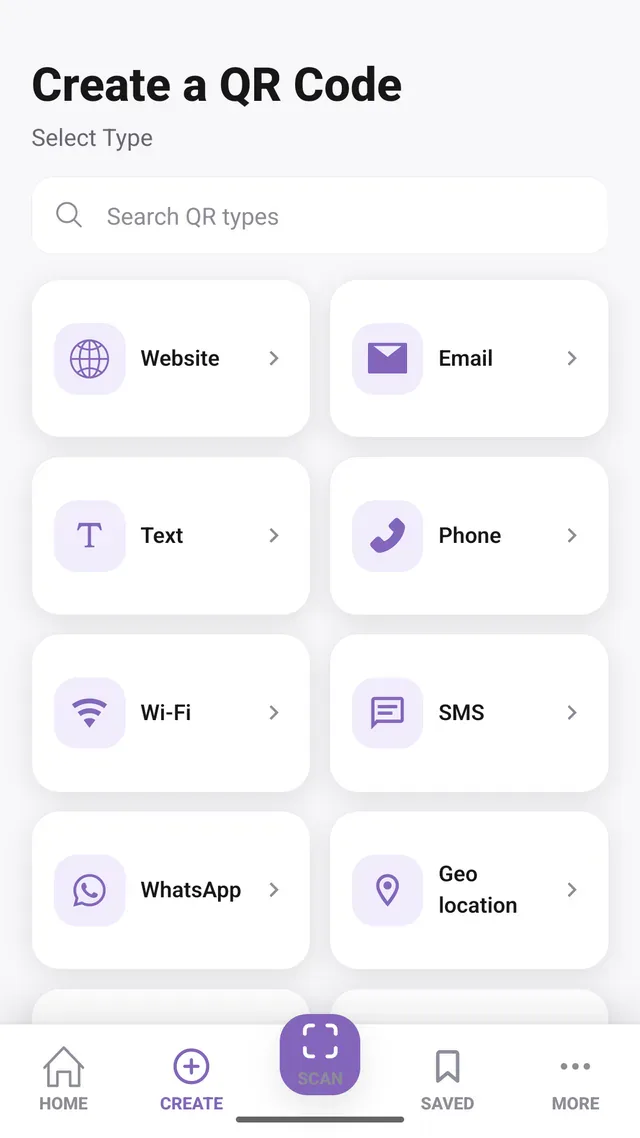
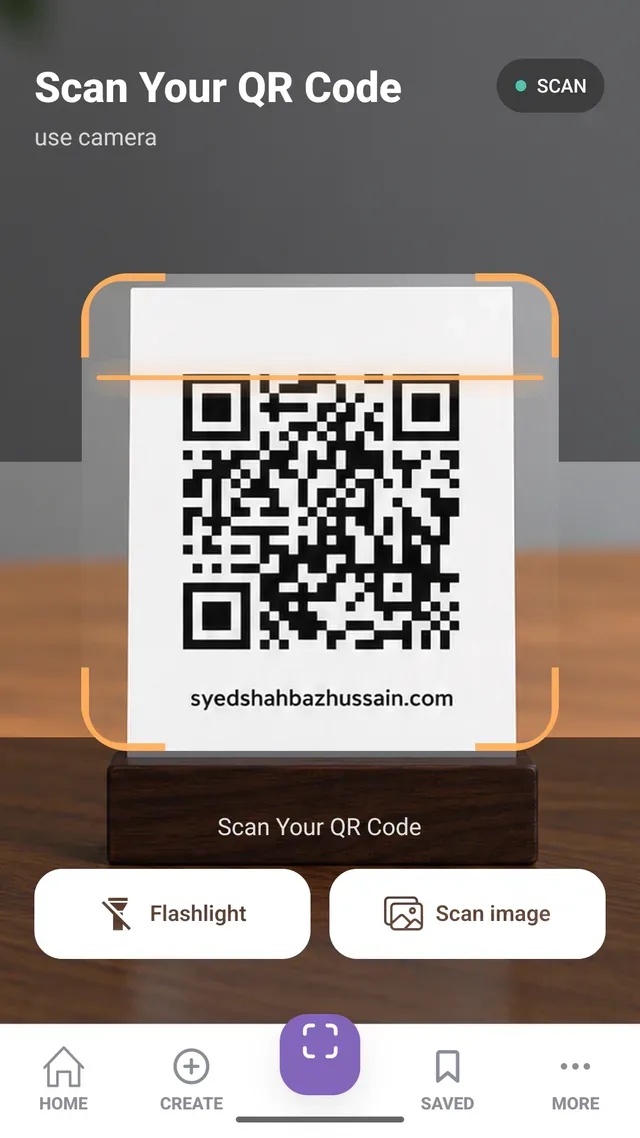
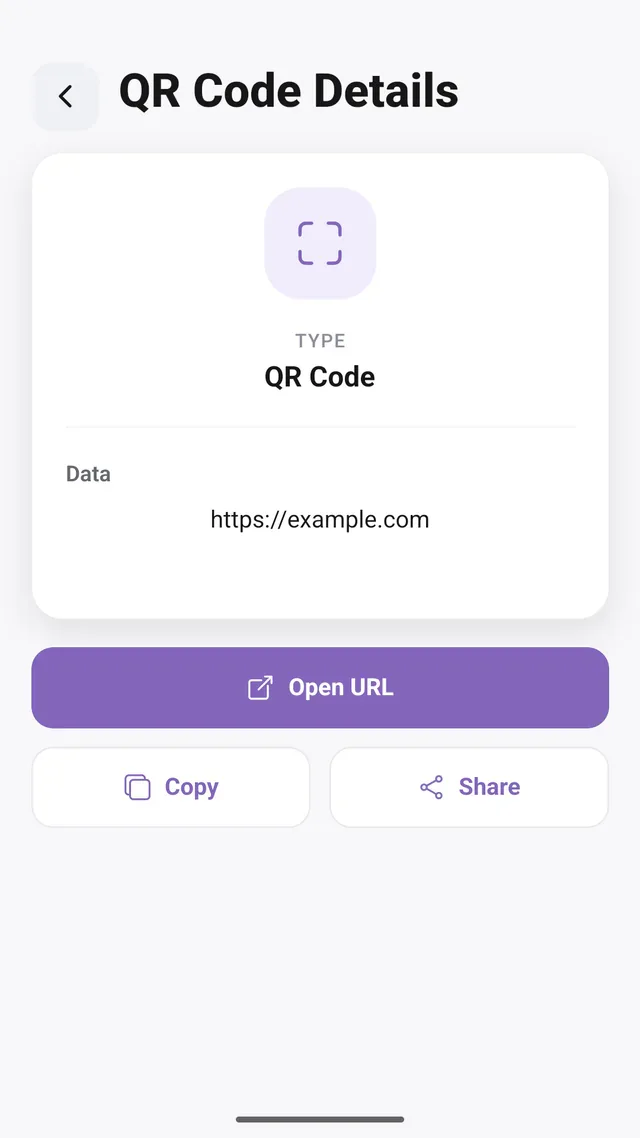
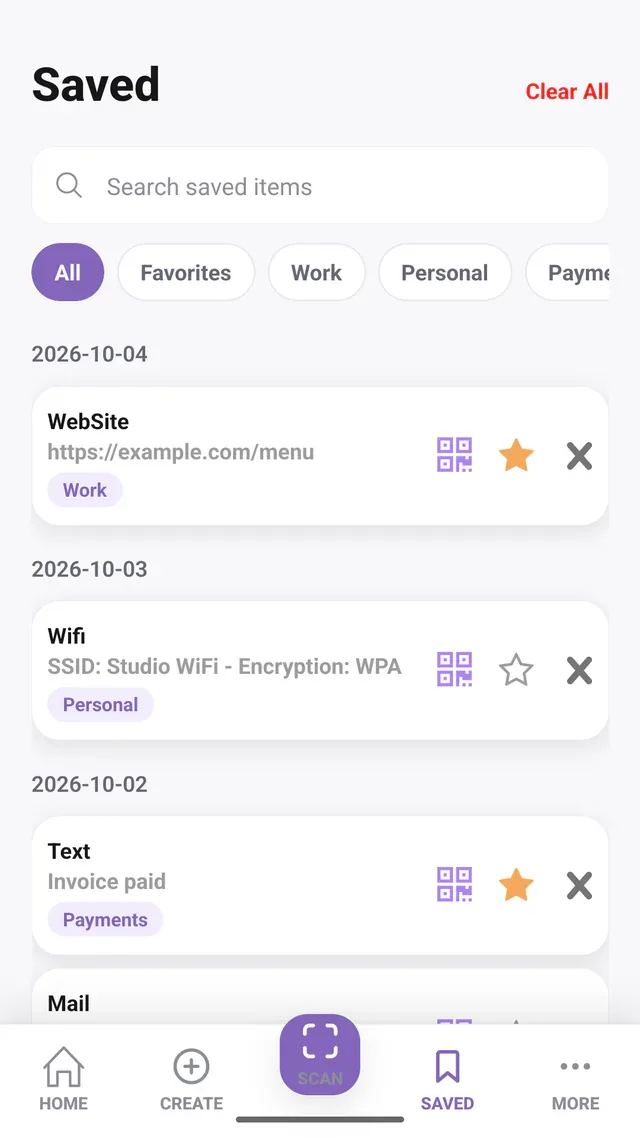
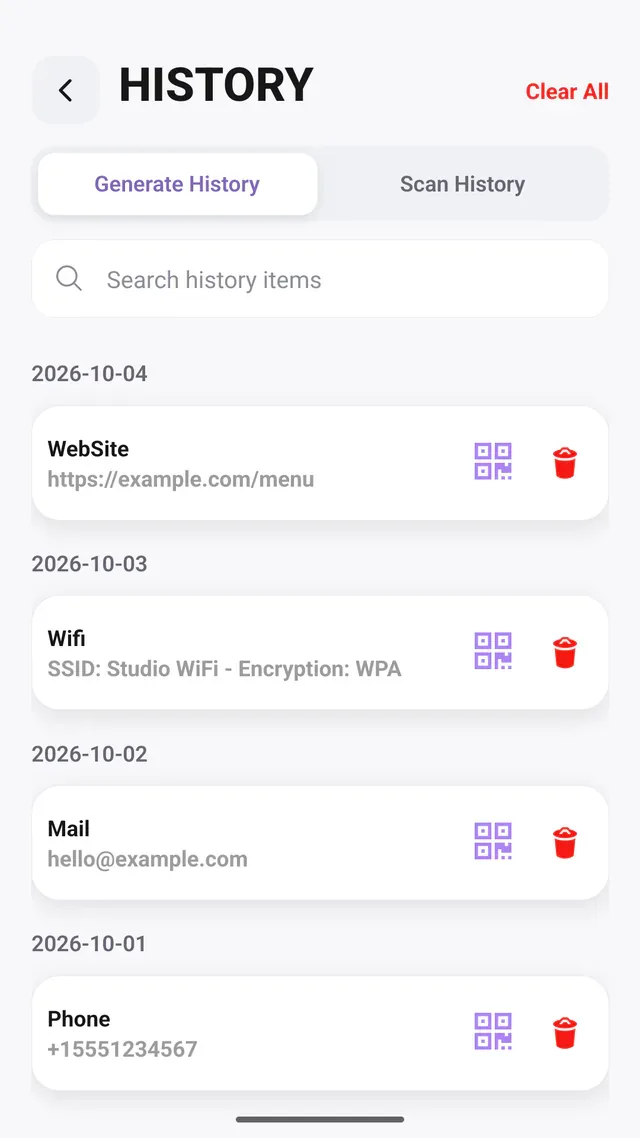
Expo camera and image workflows support scanning from different sources.
The project integrates local authentication for its optional biometric lock.
Core scanning and generation can work locally; opening an online destination is a separate action.
An Android utility with a multilingual Astro product website, bringing scanning, custom QR generation, and organization into one experience.
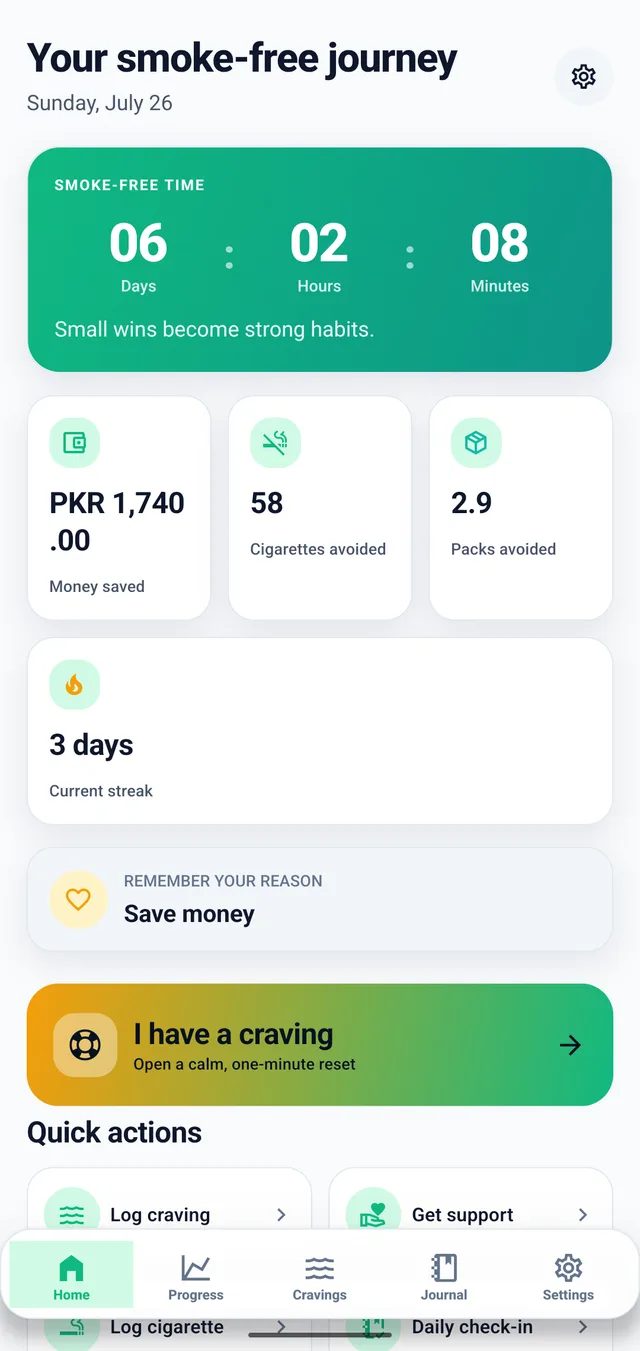
Track smoke-free time, cravings, estimated savings, and progress on Android.
Log sweets, set goals, see patterns, and review your progress on Android.
I’m open to full-time roles, remote or onsite.