Employee self-service
Mobile access to HR tasks, requests, approvals, attendance, and payroll interfaces.
An enterprise HR app for employee self-service, attendance, approvals, and payroll on mobile.
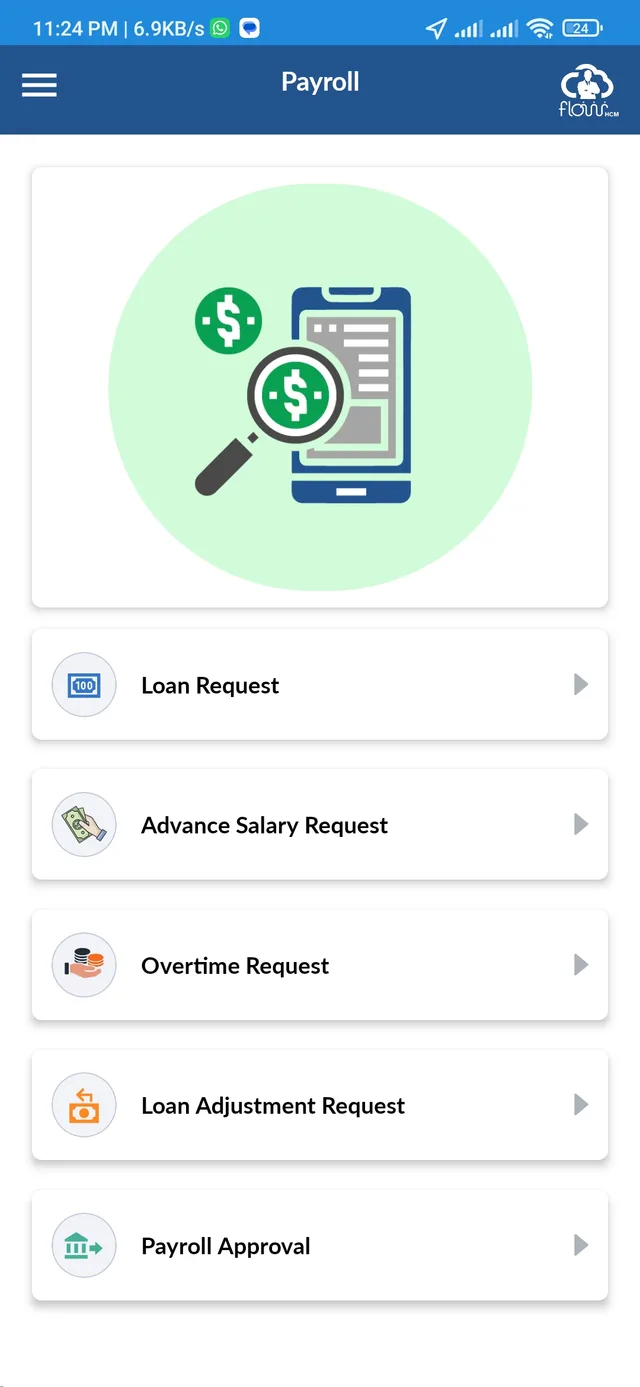
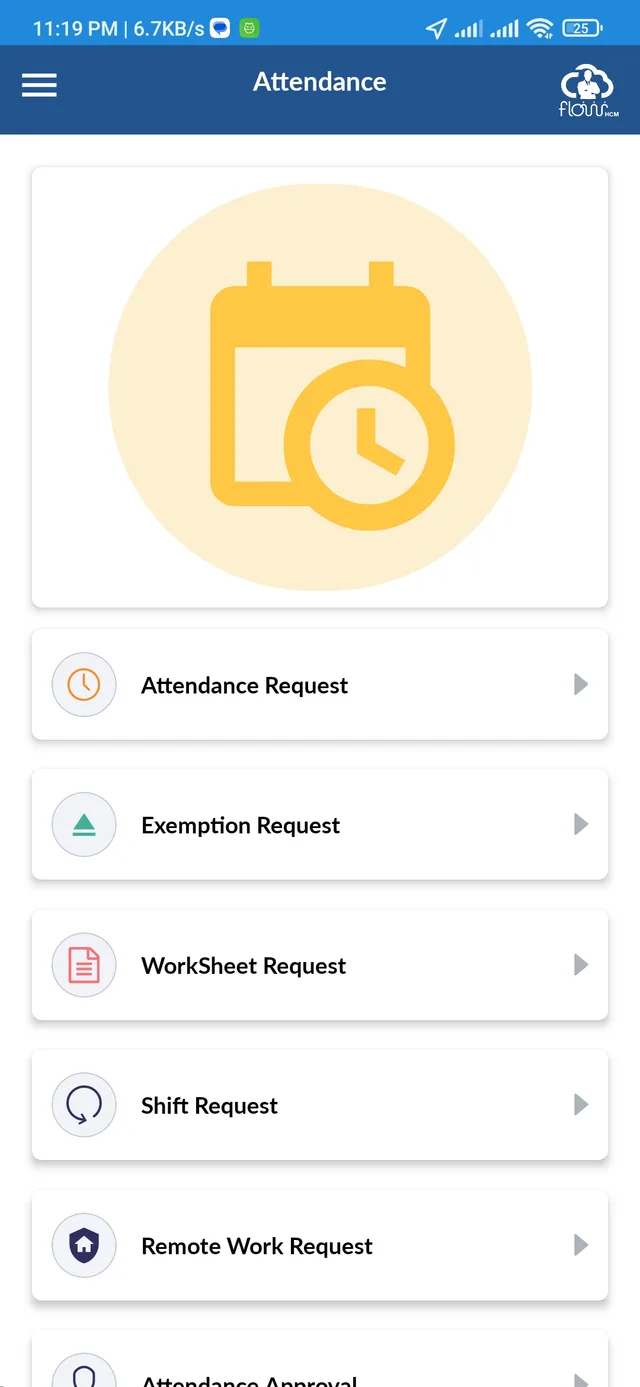
An employee may need to correct attendance, request leave, submit an expense or check a payroll action during the working day. Managers need access to the corresponding approvals. Putting these tasks on mobile means preserving the enterprise product’s business rules and access rights while making each action easy to find on a smaller screen.
Built the mobile application from scratch as part of the FlowHCM team at Impetus Systems, then maintained Android and iOS releases. Dedicated attendance, leave, payroll, expense, help desk, reporting and recruitment modules connect to the enterprise APIs. Geolocation, biometrics, QR login and notifications support the mobile workflow alongside shared application state. My security contributions include SSL/TLS pinning, root and jailbreak detection, risk-analysis checks, and Keychain secure storage. I also have supporting working exposure to .NET and SQL/MySQL through mobile-backend integration.
Employees, managers and HR teams using the FlowHCM enterprise product. Available actions depend on the organization’s configuration and the signed-in user’s permissions.
Mobile access to HR tasks, requests, approvals, attendance, and payroll interfaces.
Google Maps and location restrictions support the attendance workflow.
Biometric authentication, QR login, push notifications, themes, and localization.
Selected application screens, with example data where shown.
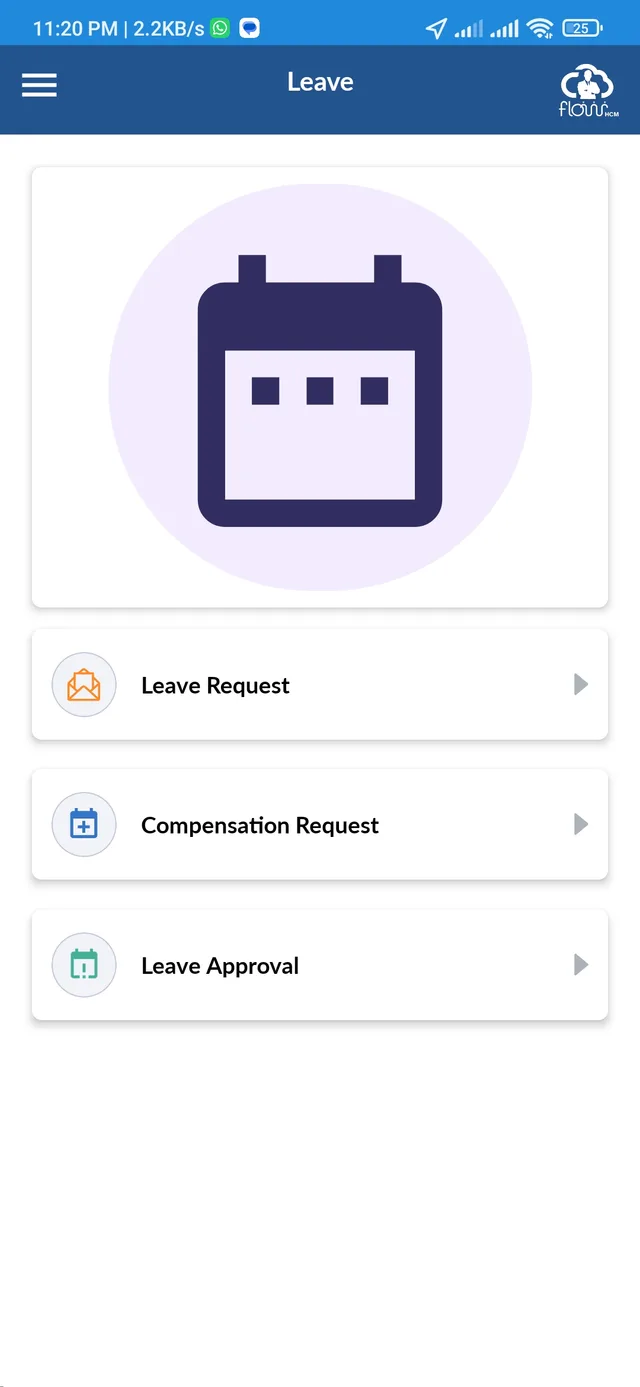
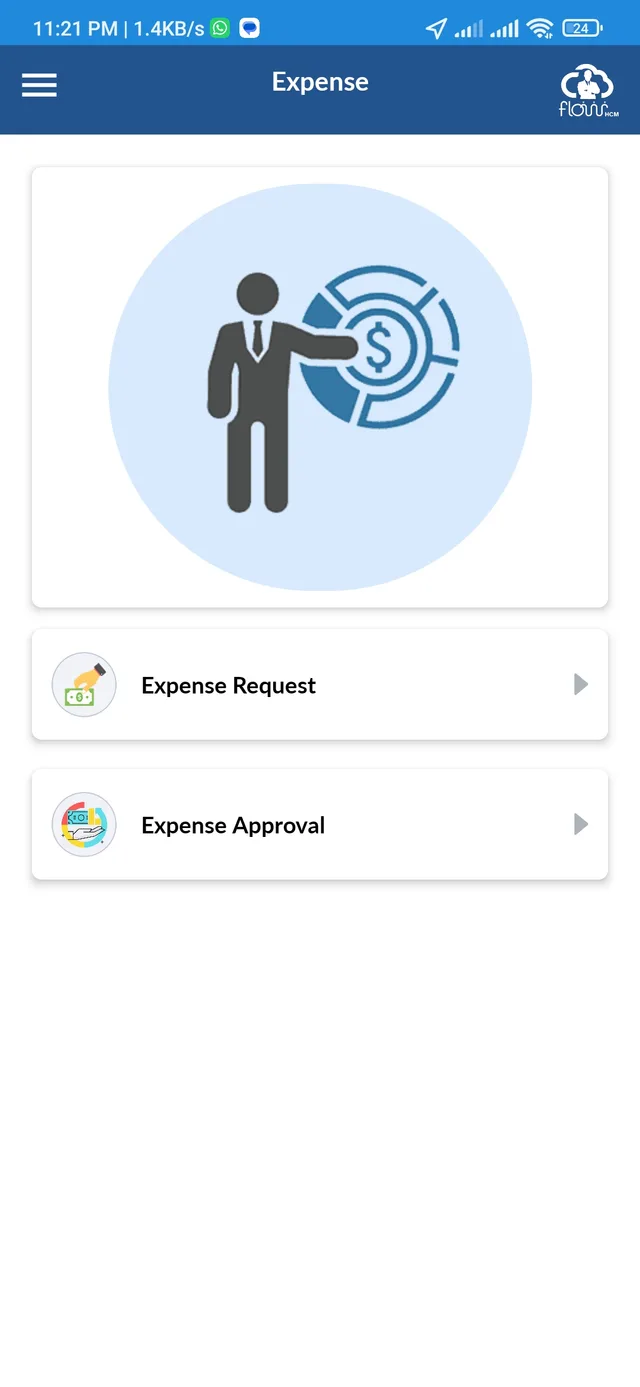
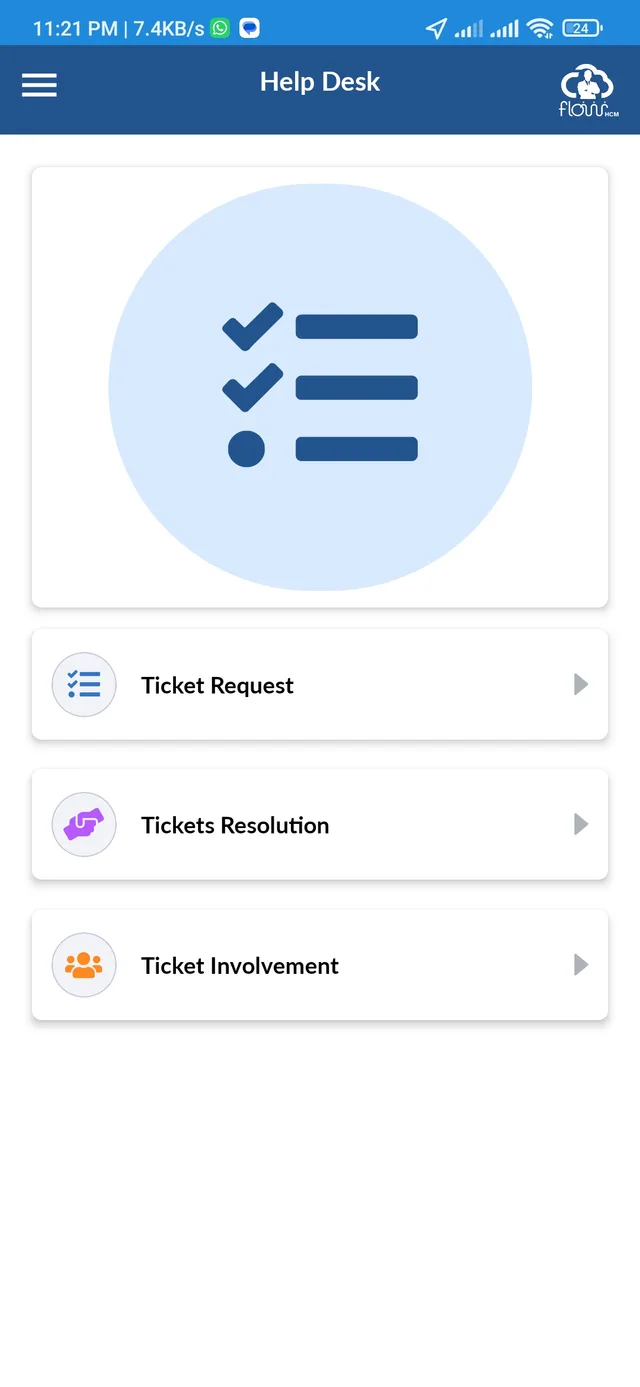
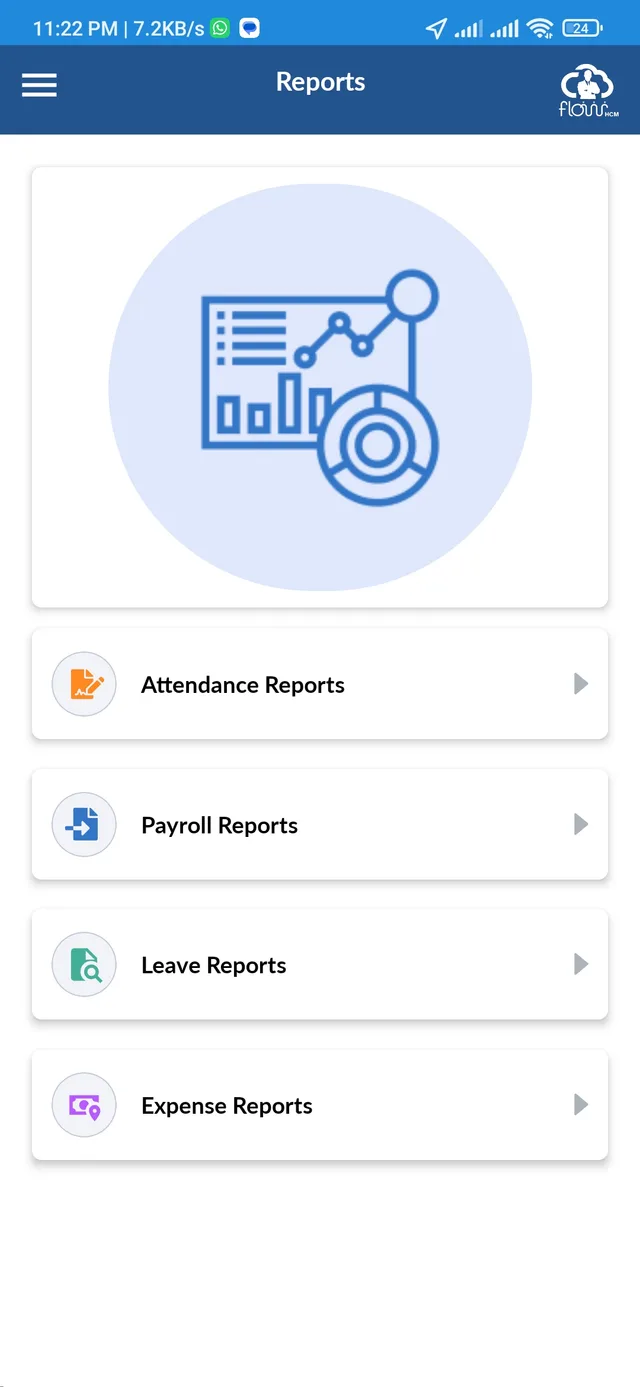
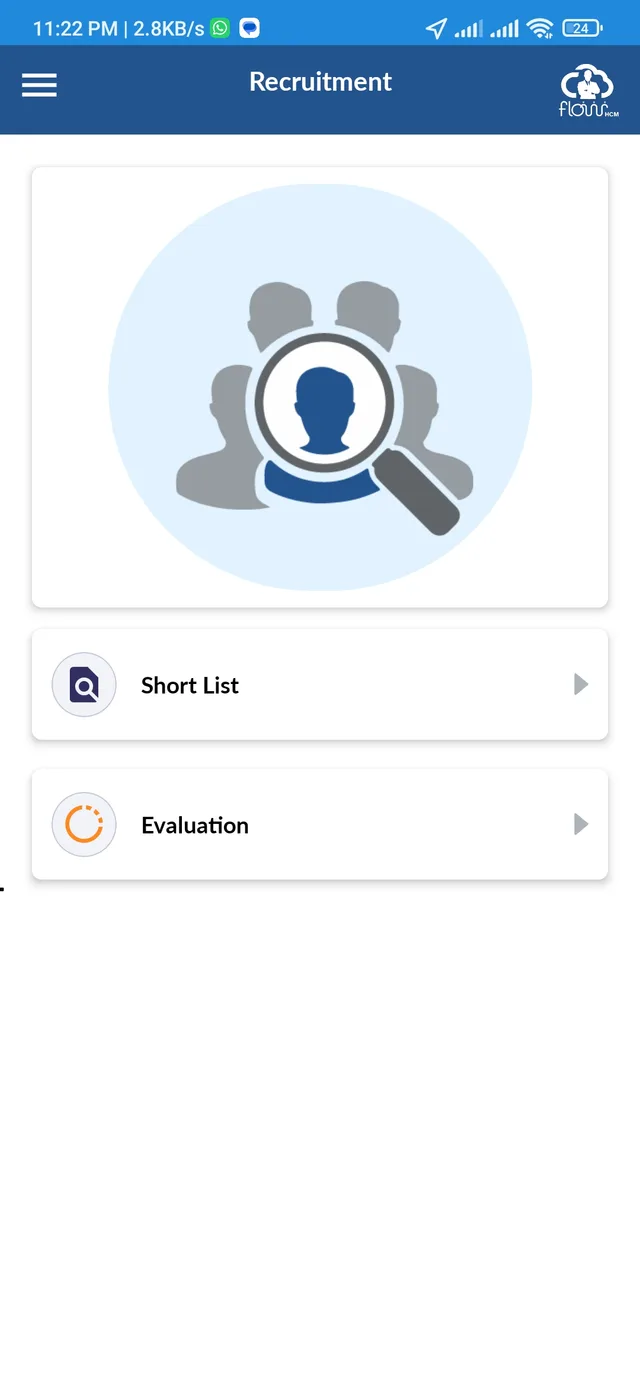
REST API integration and shared application state connect mobile screens to the enterprise product. My supporting working exposure to .NET and SQL/MySQL helps with mobile-backend collaboration.
Implemented SSL/TLS pinning, root and jailbreak detection, risk-analysis checks, and secure storage using Keychain as part of my FlowHCM work at Impetus Systems.
Play Console and App Store Connect setup, upload, and ongoing maintenance are part of my mobile delivery experience.
Store setup, application uploads, and ongoing release maintenance across both mobile platforms.
Built the mobile application as part of the FlowHCM team, connecting employee self-service screens to the enterprise product.
Geolocation, biometric authentication, QR login, and notifications work alongside REST API integration.
Built and maintained an enterprise mobile application across Android and iOS, turning employee HR tasks into mobile workflows connected to business APIs and native device features. My responsibility spans implementation through store release maintenance at Impetus Systems.
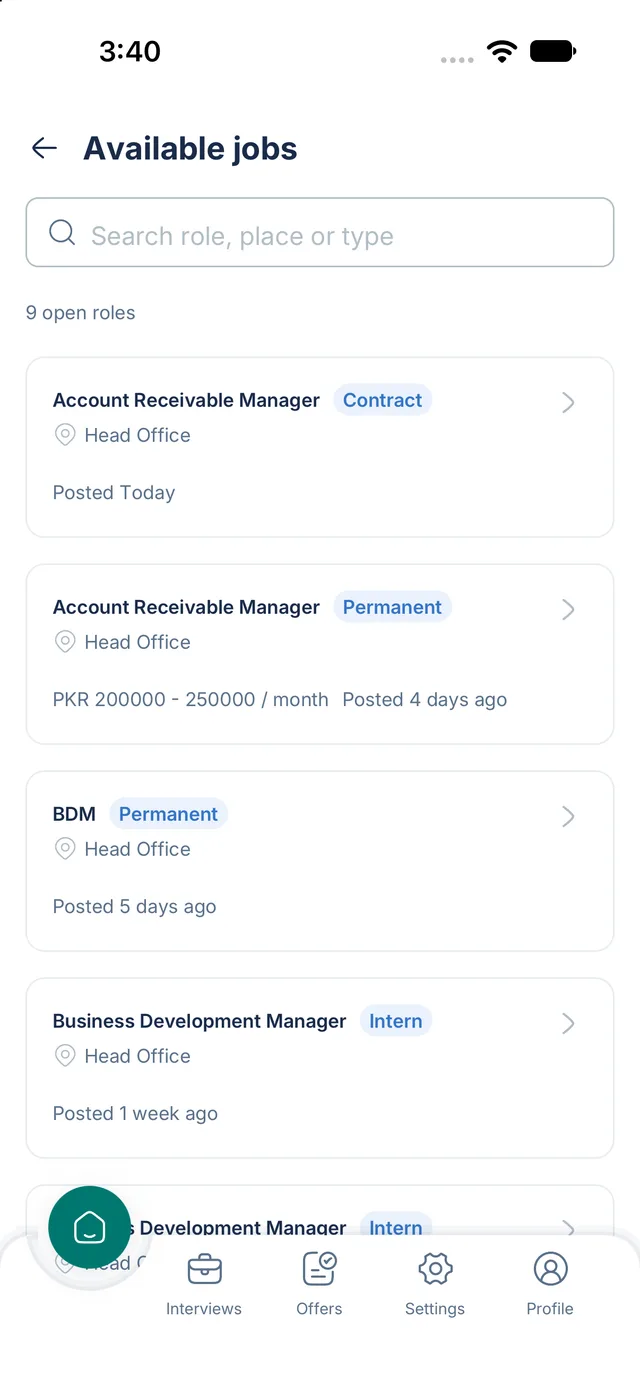
A React Native recruitment app with candidate applications, recruiter approvals, interviews, and offers.
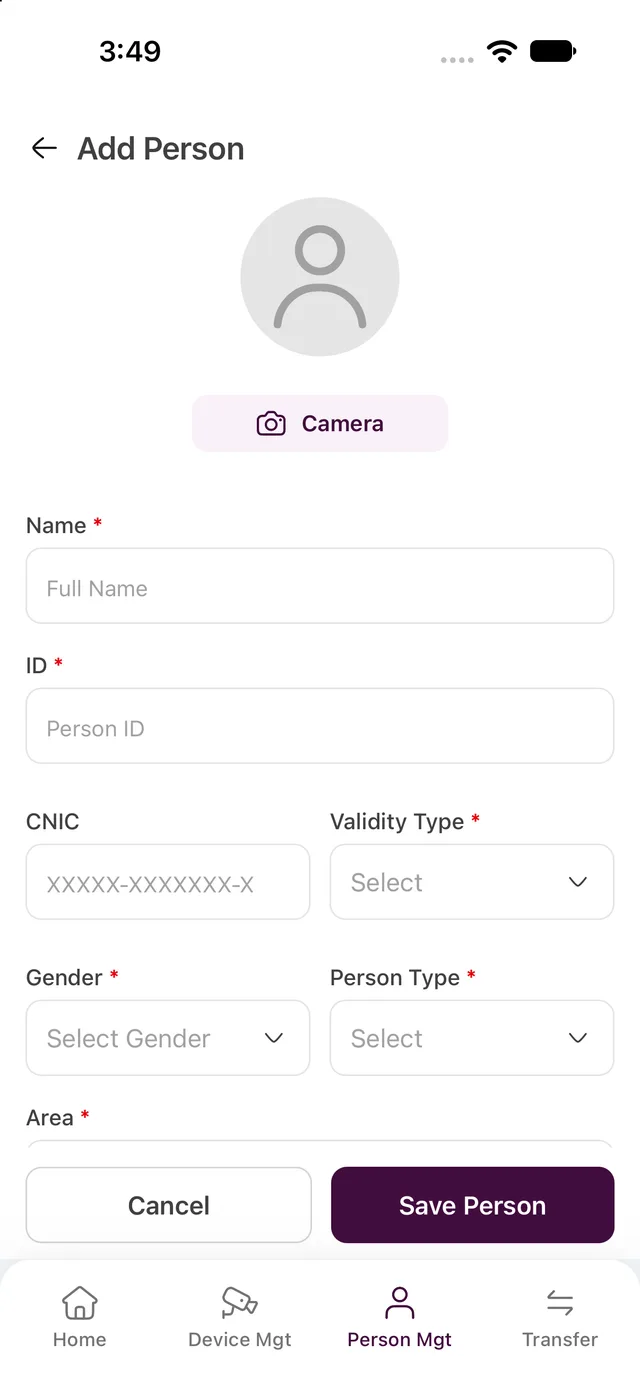
A React Native client for personnel records, face-photo capture, device settings, and area transfers.
I’m open to full-time roles, remote or onsite.