Personnel records
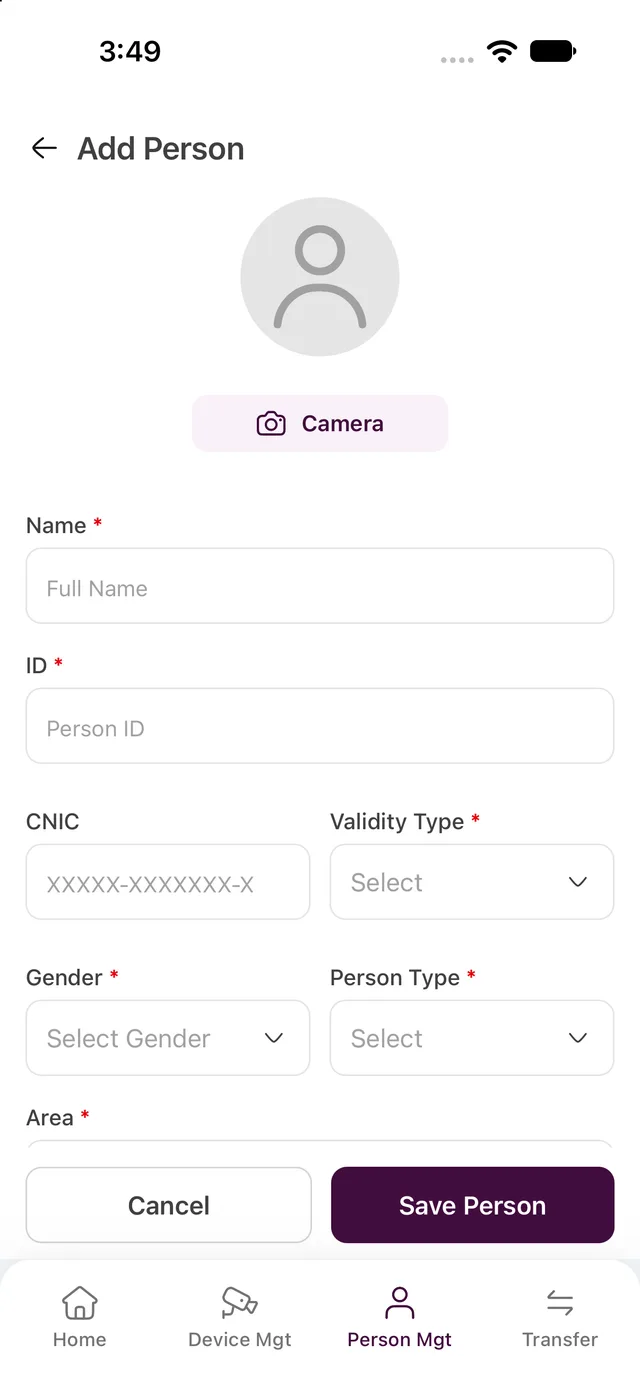
Search and filter people, add or edit a record, and manage person type, validity, and assigned areas.
A React Native client for personnel records, face-photo capture, device settings, and area transfers.
Access-management records need a usable person photo and the correct area assignments. Operators also need to find devices and update their settings. On mobile, the capture flow needs clear guidance, and company-specific API routing must keep each task connected to the right organization.
Contribute to FlowFiz’s React Native mobile client at Impetus Systems. Company sign-in resolves the tenant API, then separate personnel, device, and transfer modules handle day-to-day administration. Guided face capture checks framing and photo quality, with a review and retake step before cropping, compression, and upload. Search, filters, and pagination keep the management lists usable on a smaller screen.
Authorized operators managing personnel, face photos, access devices, and area assignments for their organization’s FlowFiz system.
Search and filter people, add or edit a record, and manage person type, validity, and assigned areas.
Camera guidance checks framing and head position before capture. The photo can be reviewed or retaken, then cropped and compressed for upload.
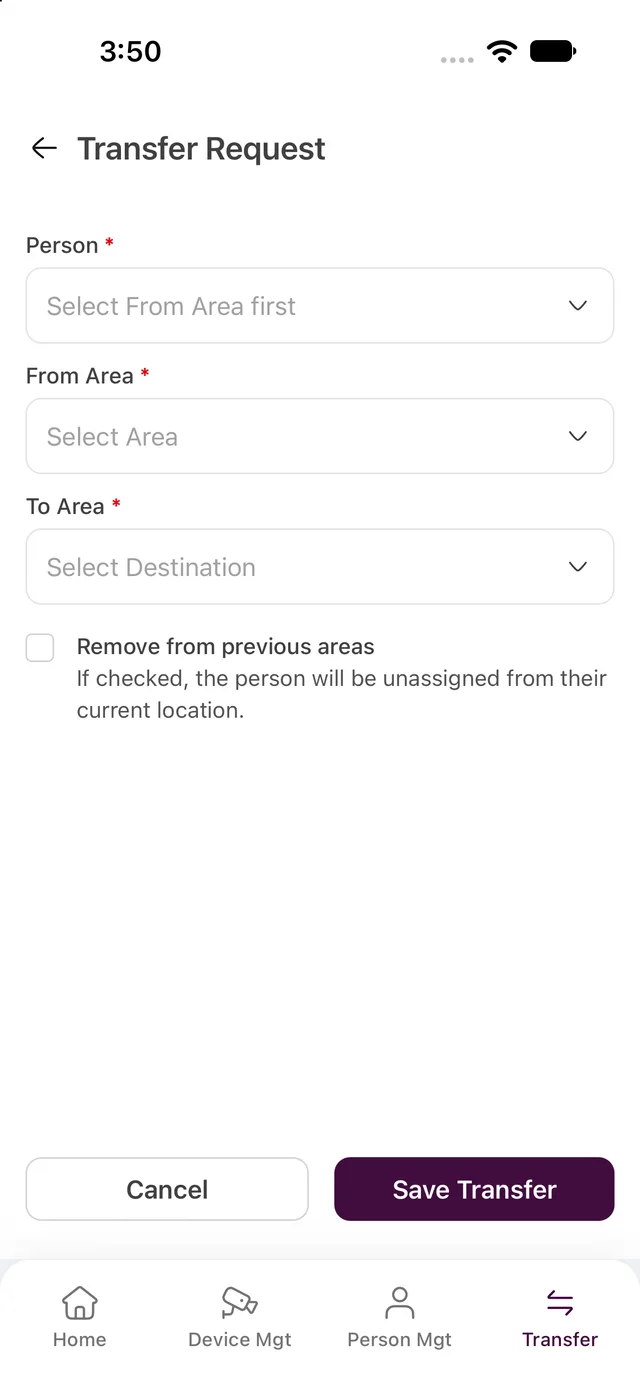
Search devices, filter by status, area, or timezone, and edit supported settings. Transfer requests assign people to destination areas with an option to remove previous assignments.
Selected application screens, with example data where shown.
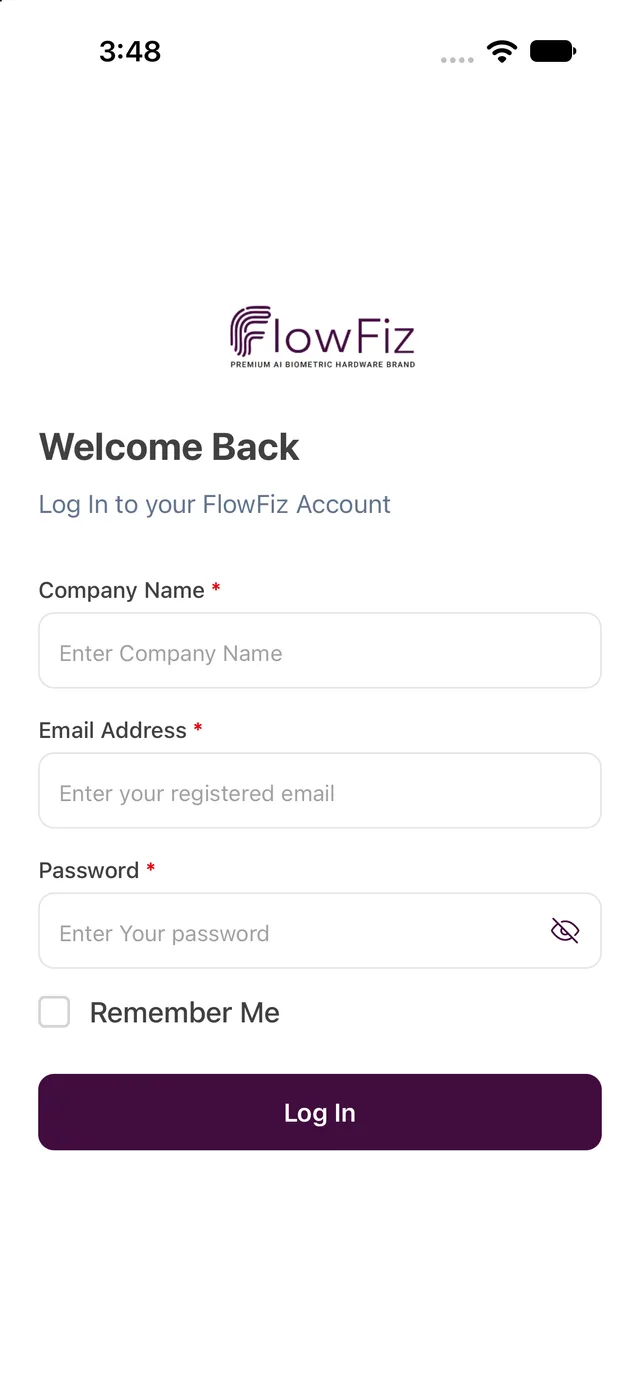
Company sign-in resolves the appropriate tenant API. Shared request and error handling support the person, device, and transfer modules.
Vision Camera and ML Kit face detection support capture guidance. The captured image is checked for face presence, head angle, and blur before the photo-processing flow.
Personnel, device, and transfer lists share search, filtering, pagination, and refresh patterns. Request guards prevent older filter responses from replacing newer results.
My FlowFiz work at Impetus Systems focuses on the mobile client for personnel enrollment, device administration, and area transfers. The reviewed Version2 source includes these workflows and a guided face-photo pipeline. The dashboard uses demonstration data and the transaction module is a placeholder. No public mobile store release is claimed.
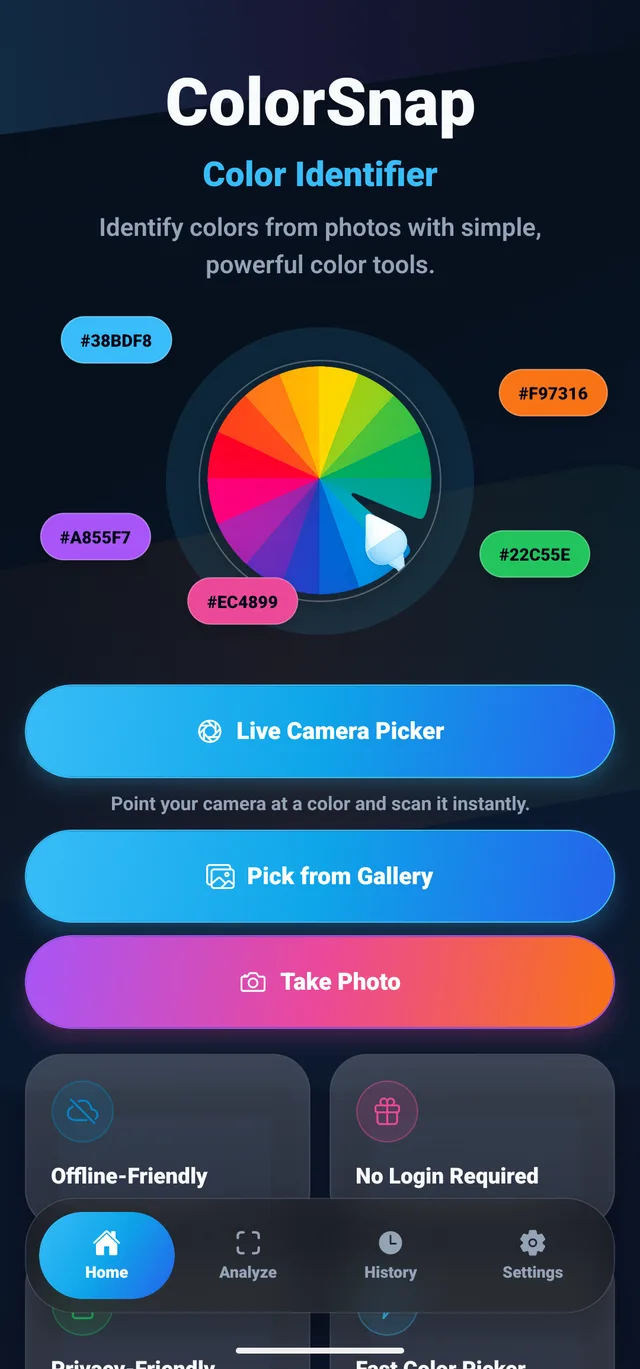
Find color names and codes from images or the camera, and save them in palettes.
Water tracking and fasting timers in one app, with reminders and progress charts.
I’m open to full-time roles, remote or onsite.