Camera and gallery
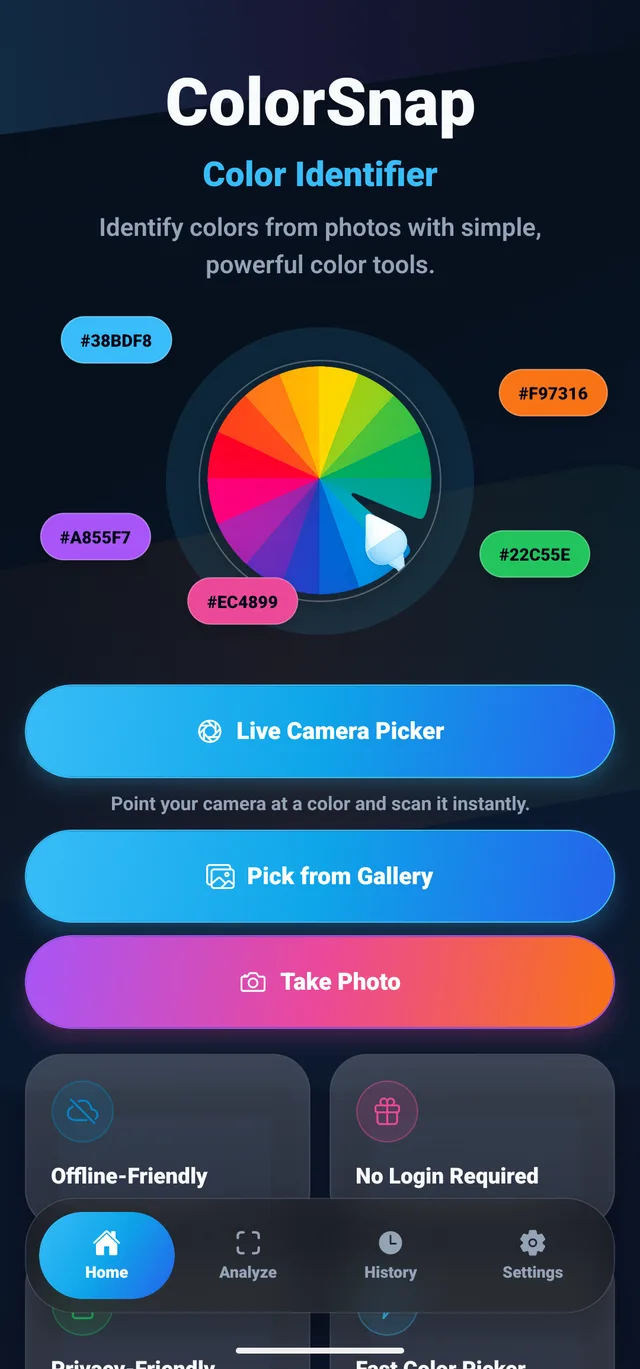
Sample from a saved image, take a photo, or use the live camera picker.
Find color names and codes from images or the camera, and save them in palettes.
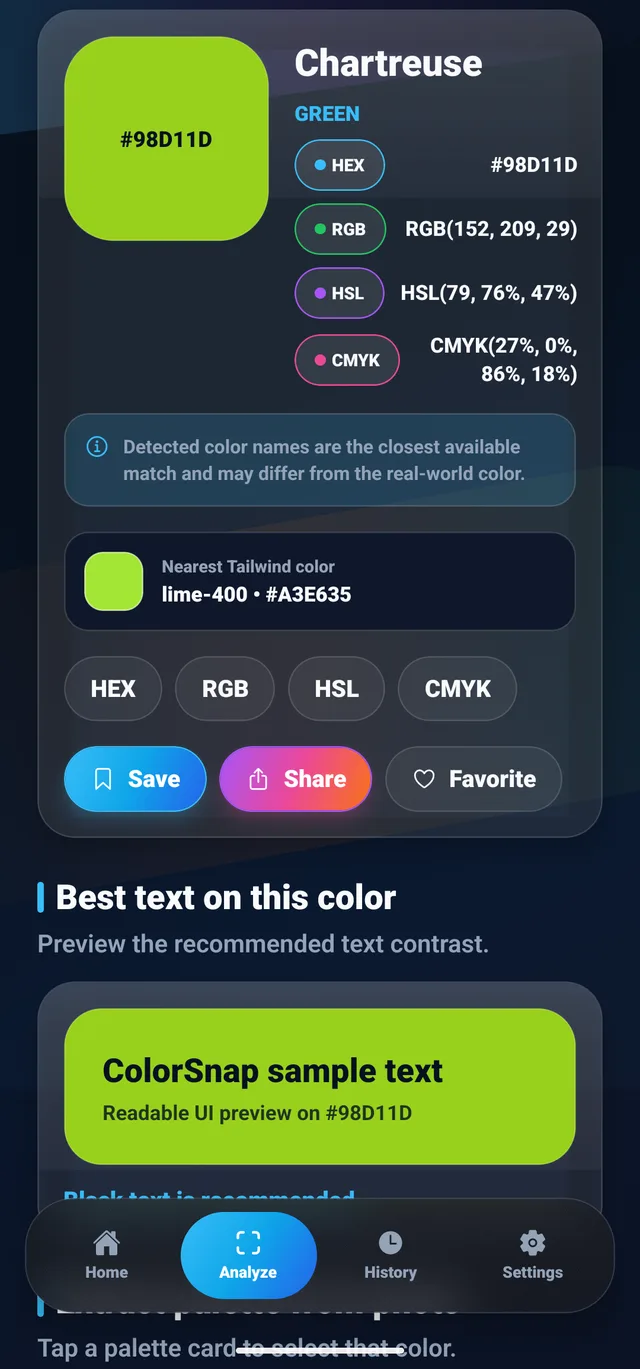
A color noticed in a photo is difficult to communicate as “that shade of green.” A useful reference needs a code, a nearest color name and a way to find it again. Image noise and nearby colors also make a single-pixel sample different from a broader area sample.
Connect live camera capture and gallery input to focused image sampling, color formats, palette extraction and local saved history. The result brings HEX, RGB, HSL and CMYK values together with a nearest name and text contrast information. Sample-area controls help the user choose the part of an image to inspect; camera results still depend on lighting and camera processing.
Designers, developers and anyone turning a color in a photograph or a physical scene into a usable reference.
Sample from a saved image, take a photo, or use the live camera picker.
Read HEX, RGB, HSL, CMYK, and the nearest color name together.
Extract palettes, check contrast, and revisit saved colors and history.
Selected application screens, with example data where shown.
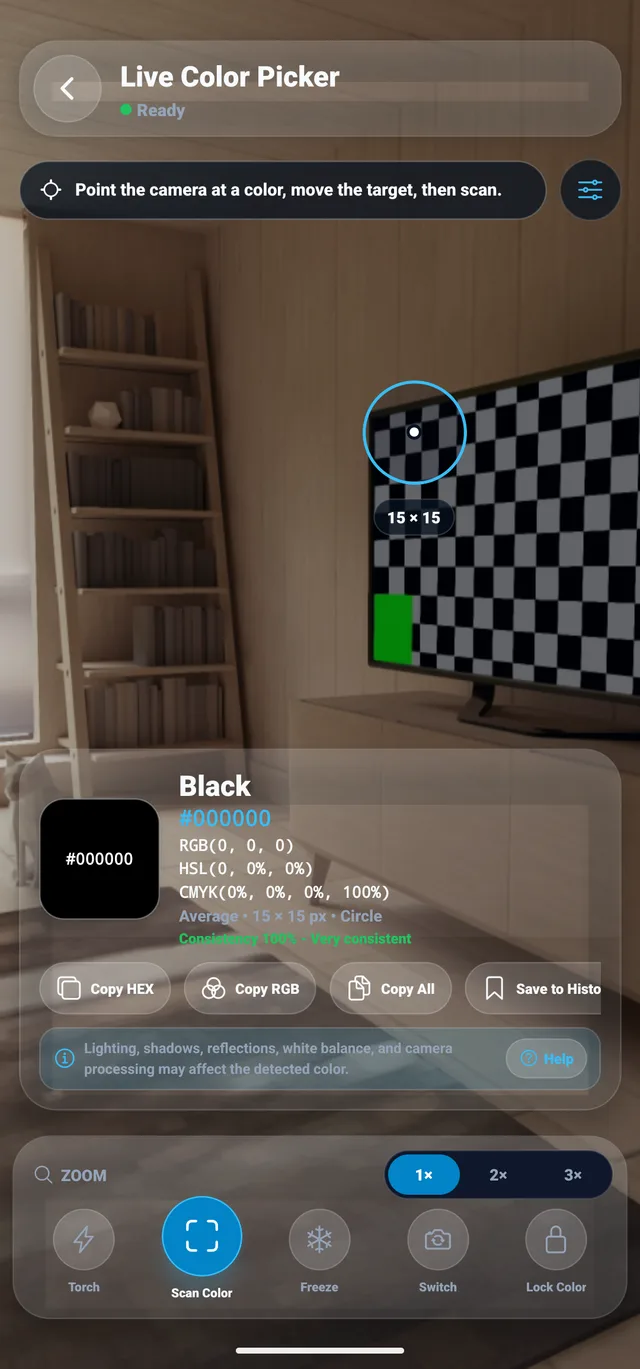
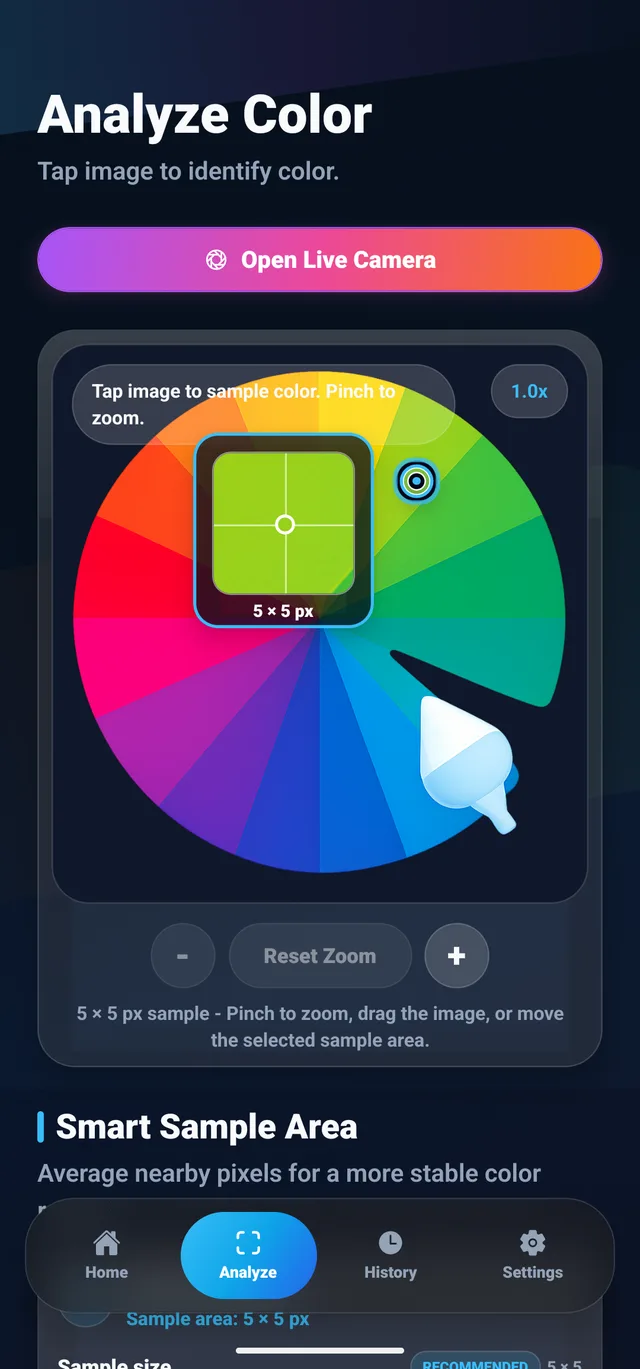
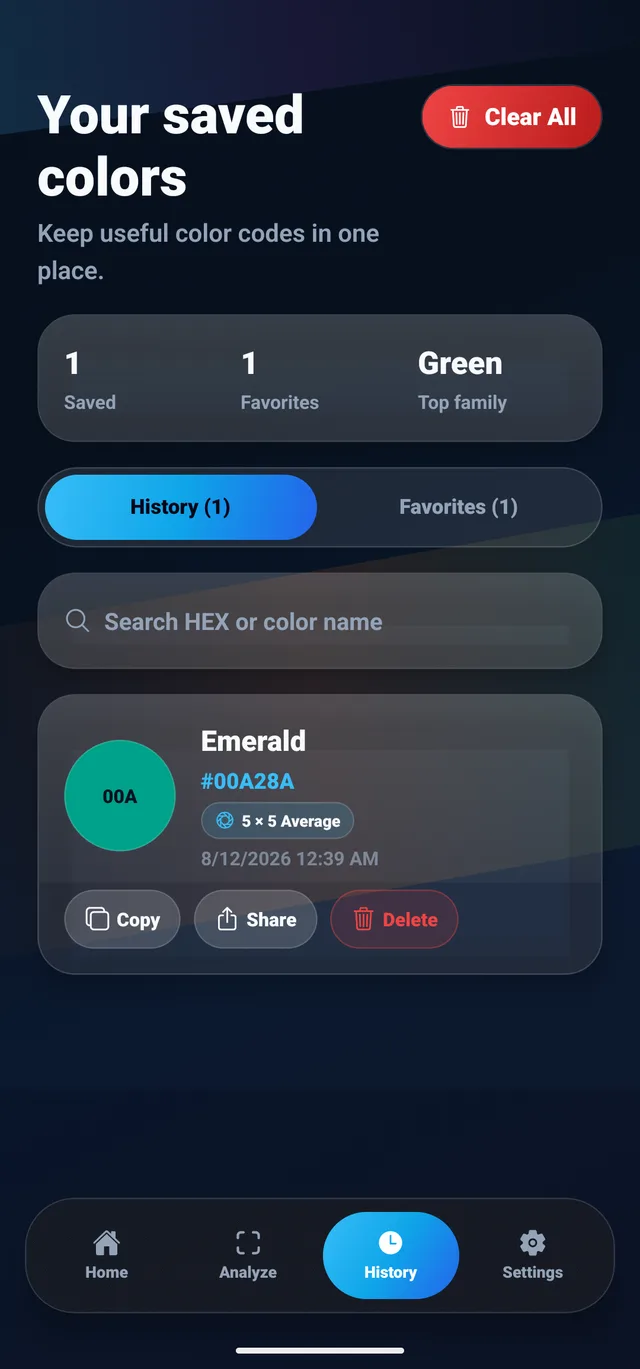
A single pixel and a region answer different questions. Exact mode reads the selected center pixel. Average and median combine channel values across the sample, while dominant mode groups nearby RGB values and uses the most populated group. The same sampling core handles camera and imported-image analysis.
The sampling core clamps the crop to the image bounds, supports circular and square regions, and filters pixels below its alpha threshold. A region without visible pixels returns an error. Exact mode uses a one-pixel sample; area modes support seven sizes from 1 to 31 pixels. These choices make the sampled region explicit rather than treating every tap as an identical measurement.
The sampling QA script checks bounded crops, all four methods, both shapes, transparent pixels, and small images. Those checks passed when reviewed on October 17, 2026. They verify the sampling logic, not physical color accuracy: lighting, camera processing, and the source image can still change the result.
Exact, average, median, and dominant-color methods support different image-sampling needs in the implementation.
The sampler supports 1, 3, 5, 9, 15, 25, and 31-pixel sizes, with image-edge bounds and transparent-pixel handling.
Image selection, camera capture, color formats, palettes, and local history connect the interface to the underlying color tools.
A visual walkthrough of ColorSnap’s screens and color tools.
Designed a complete capture-to-color workflow: camera or gallery input becomes reusable color values, palettes, and saved history. The image-sampling implementation supports exact pixels and area-based analysis. Camera results can vary with lighting and camera processing.
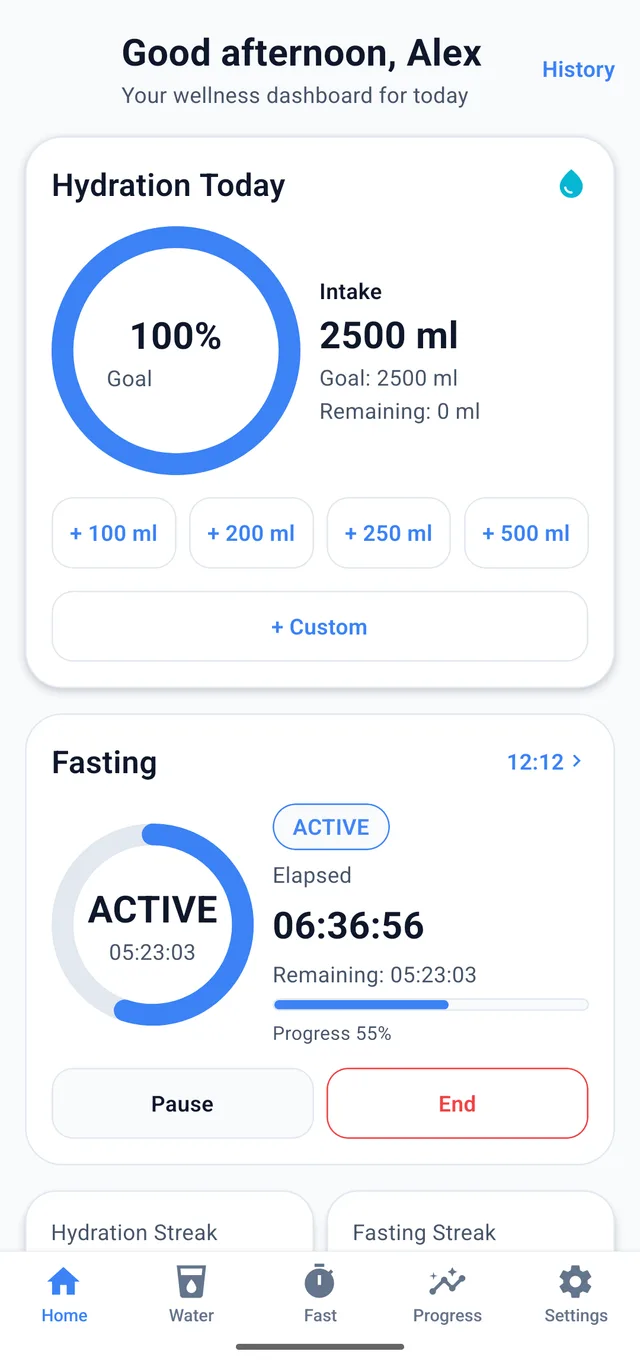
Water tracking and fasting timers in one app, with reminders and progress charts.
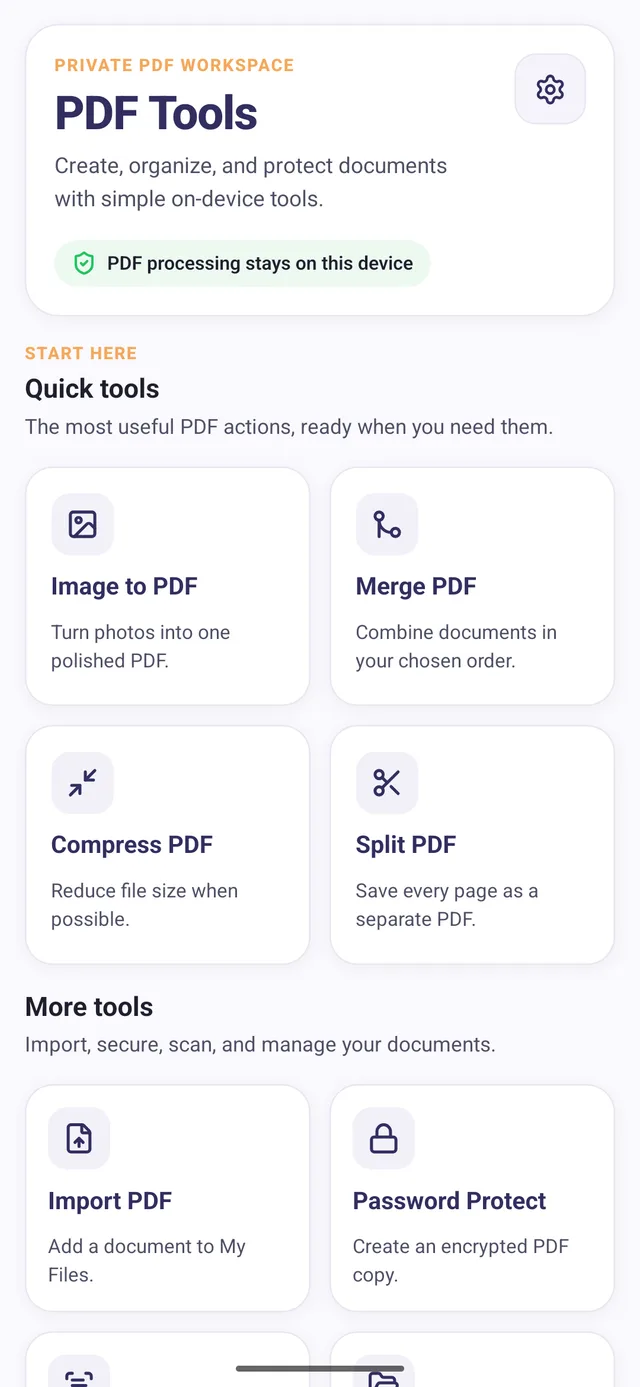
Create, merge, split, compress, and password-protect PDFs on Android.
I’m open to full-time roles, remote or onsite.